15
• Playback Mode
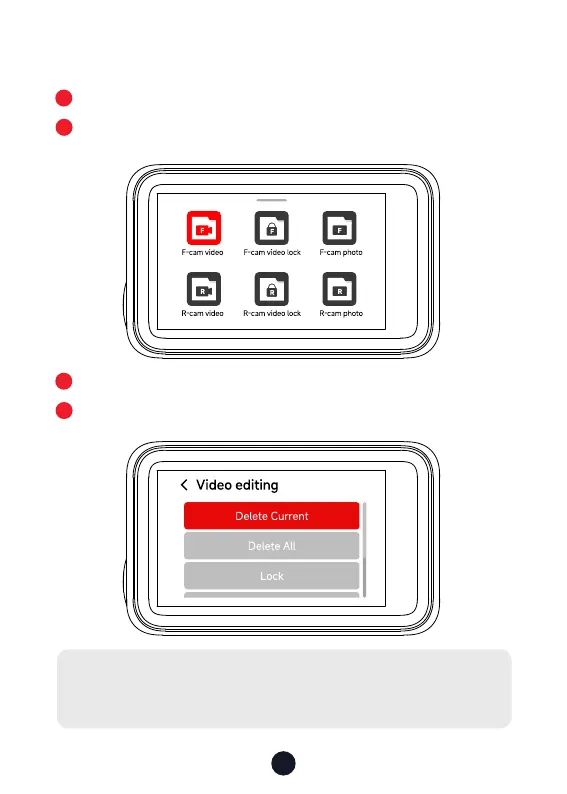
Swipe up the recording page to enter playback mode.
Press the Left or Right button to select the folder you want to
play, then press the M button to enter.
Press the M button to watch the recorded video.
Long press the M button for 3 seconds to edit your recorded
videos.
1
3
2
4
Note:
All of the above functions can be done via the touch screen
.



 To Next Page