8
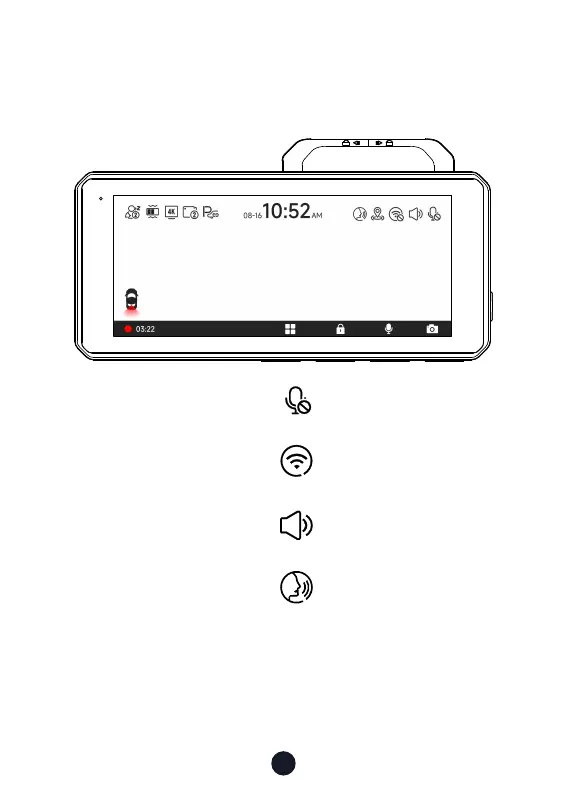
You can manually click the icon at the top of the screen to
choose whether to record audio during video recording.
You can manually click the icon at the top of the screen to
choose whether to turn on Wi-Fi.
You can manually click the icon at the top of the screen to
choose whether to turn on the key sound.
You can manually click the icon at the top of the screen to
choose whether to turn on the Voice control.
Touch Screen Function
• Video Mode



 To Next Page