Turn On the Radio
- Press RADIO key to turn on the radio.
Press RADIO key again, the weather channel
frequency will be displayed for a short while.
- Press or key to adjust the speaker volume if desired.
- Press or key to scroll through other alert messages if any.
- Press PROG key to exit event memory mode, if desired.
If no key pressed for 2 minutes, the event memory mode
will be exit automatically.
- Press STOP key will turn off the radio voice and the radio will
be in standby mode.
Turn Off the Radio
Hint
Tips
Tips
Press and hold the key will adjust the volume
continuously.
Alarm Clocks
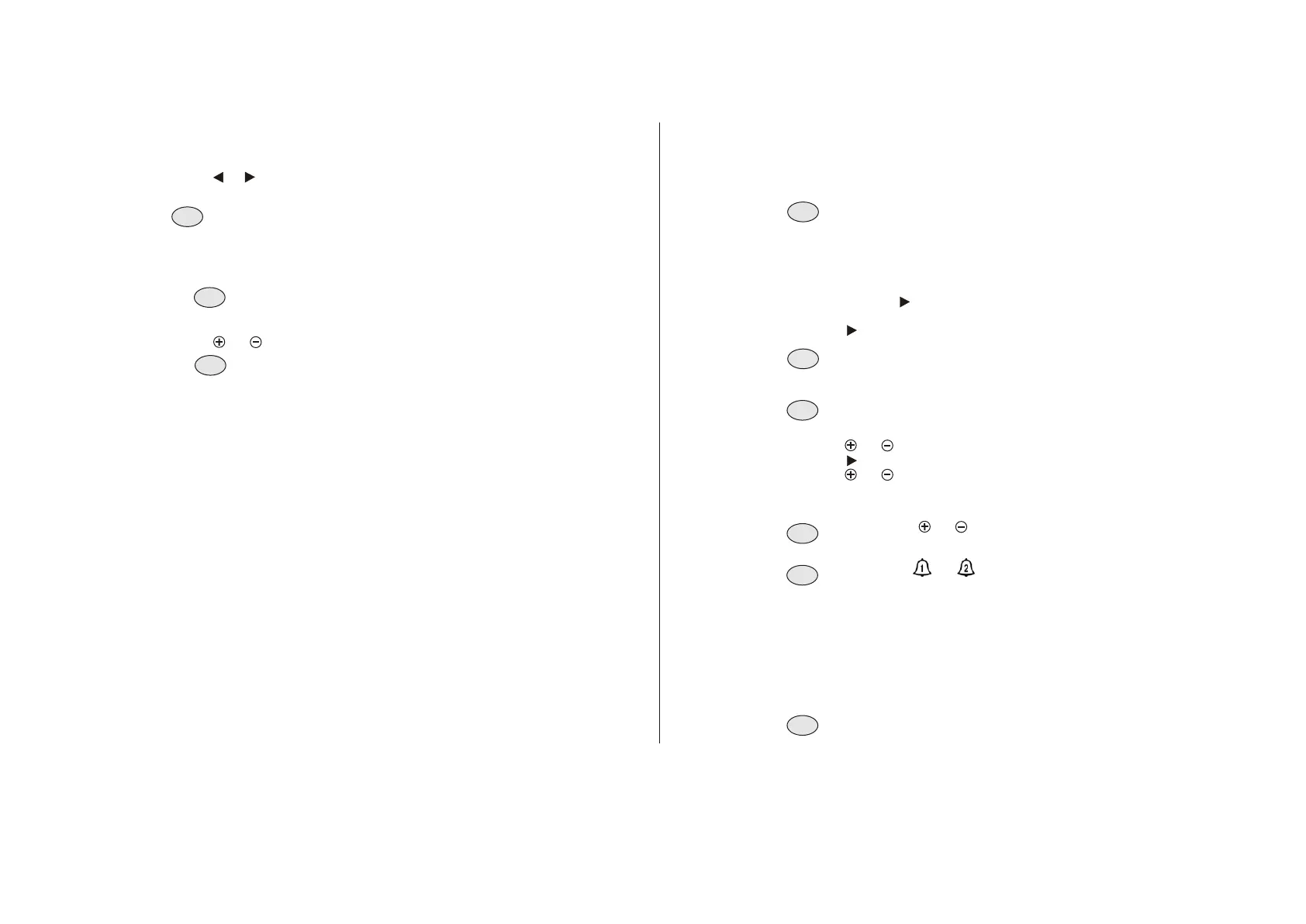
1. Press and hold PROG key for 2 seconds to enter program
menu page. Skip this step if it is now in program menu.
2. Keep pressing key to menu page P9.
3. Press ENTER key to select.
4. Press key to activate or de-activate the alarm clock.
The bell icon or indicates alarm 1 or 2 has been
activated.
Follow steps 1 to 9 in above but in program menu page P10.
Activate / De-activate Alarm Clock 1:
Activate / De-activate Alarm Clock 2:
ALARM ON flashing - activate alarmclock.
ALARM OFF flashing - de-activate alarmclock.
5. Press ENTER key to save.
If you choose to de-activate the clock alarm, the
setting is completed. Press PROG to exit program
menu.
Stopping Alarm
Press STOP key to turn off the alarm.
Press SNOOZE key will turn off the alarm for about 7 minutes.
After that, the alarm will re-activate. The SNOOZE function
can repeat for up to 1 hour.
If uninterrupted, the alarm will stop in 1 hour.
The radio offers two (2) alarm clocks. The default alarm
times are 7:00 AM and 7:30 AM for alarm clock 1 and 2
respectively.
6. Press or key to set hour .
7. Press key to minute digits.
8. Press or key to set minute.
9. Press ENTER key to save.
To exit program menu, press PROG key.
Press and hold or key will change the number
continuously.
Info
Hint
Note
Tips
Hint
Note
- 9 -



 To Previous Page
 Loading...