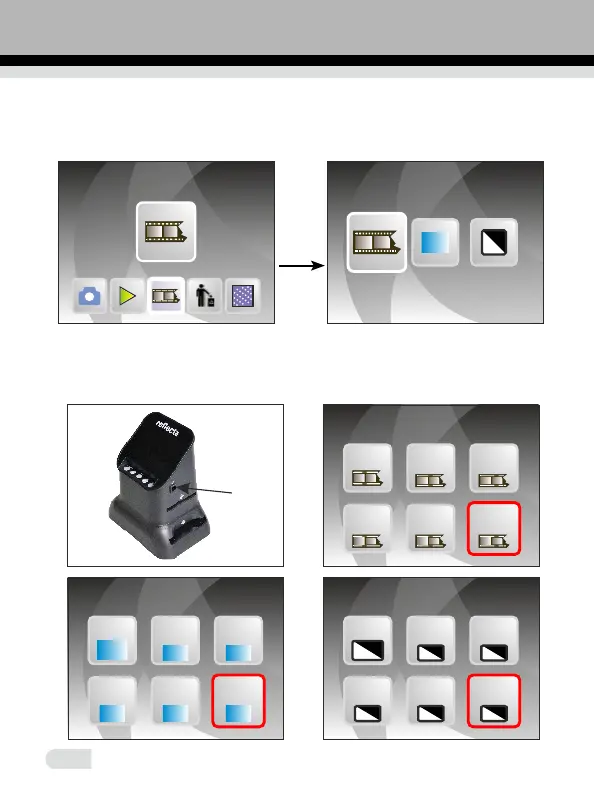
2.2 In main menu mode press OK/ENTER enter Film Type mode, then
press OK/ENTER to chose negative, slide or B&W.Then press "OK/Enter"
Film Type
Negative Film
ENTER
to enter negative, slide or B&W submenus.
10
1. When the focus button is pressed 120, press OK/Enter to enter
127/120 negative, to select the required size of press ◄ or ►
the frame.
60x90
120
60x80
120
60x45
120
60x70
120
127VPK
60x60
120
60x90
120
60x80
120
60x45
120
60x70
120
127VPK
60x60
120
When the lens button is pressed 120, press OK/Enter to Enter
127/120 negative
127VPK
60x90
120
60x80
120
60x45
120
60x70
120
60x60
120















 To Next Page