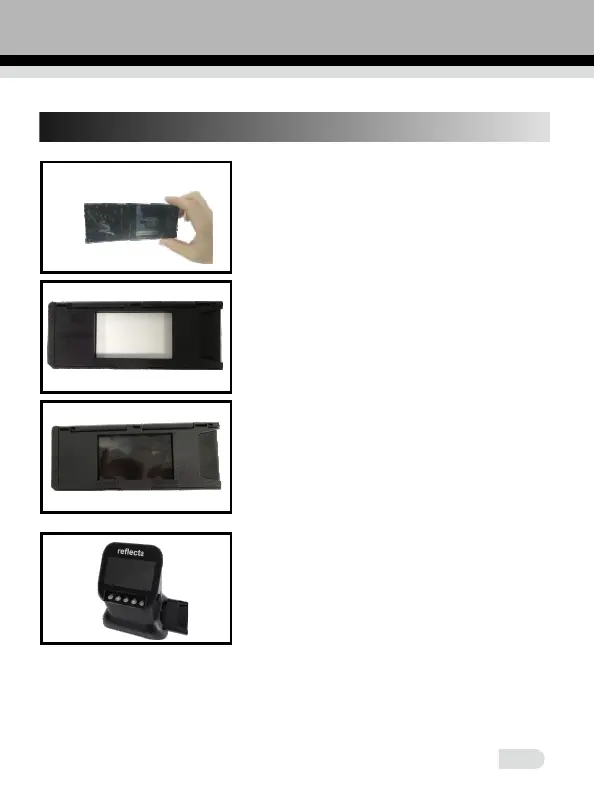
6. 120 Holder loading method
a. Hold up the film toward the light.
Face the glossy side of the film to yourself.
b. Take 120 holder out.
c. Insert the 120 film holder horizontally into the
5
• Handle films with care to avoid scrathes or finger prints (for the best
use cotton gloves when handling films)
lower hole from the right side of the scanner
c. Take the 120 holder with the label facing up
and insert the film strip from the right side.
Center the image you want in the window.















 To Next Page