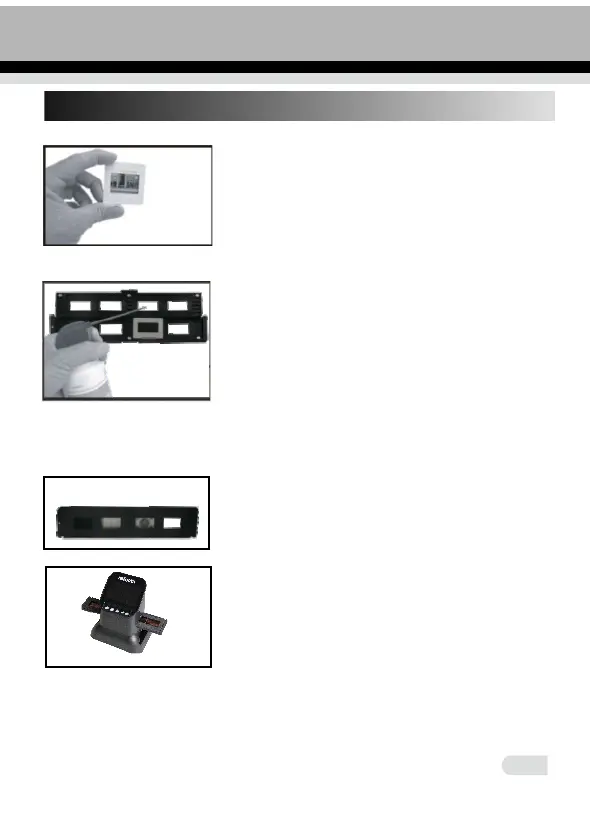
8. Positive Slide Holder
7
Open the slide holder at the marked spot on
the top.
With the slide holder laid open place the slide
into recessed area in the holder - the slide
should fit perfectly.
Note: Handle slides with care. Any dust,
scratches or fingerprints will show up on your
saved images.
It is recommended to use compressed air
to remove any dust from the slides.
the slides.
Close the slide holder and press the edges
so that it locks in place.
The loaded slide holder is inserted
horizontally into the upper hole of the scanner
from the right side.
Take mounted slides with the glossy side up.















 To Next Page