-9-
Charging the Battery Pack
The battery pack is not charged at the time of purchase
and therefore needs to be charged before use. If the
battery charge becomes low while you are using the
reflecta x7-Scan, it is recommended to recharge it as
soon as possible.
1. Insert the battery pack into the battery compartment
(see page 8)
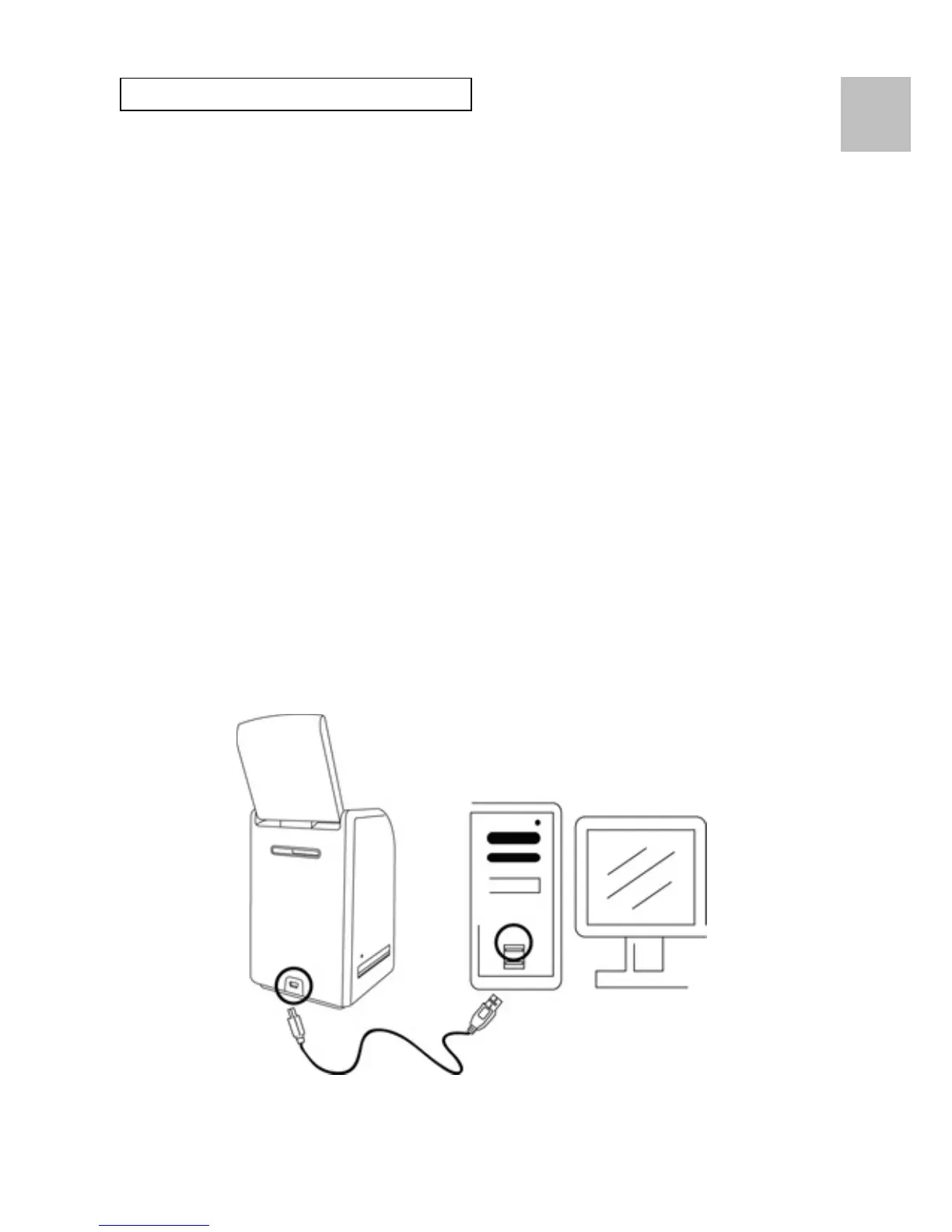
2. You may charge the battery in 2 ways:
(a) Plug the USB mini B of the supplied USB cable to
the USB port of the reflecta x7-Scan, and plug the
other USB end into the USB port of your
computer/notebook.
Please charge the battery at least 5.5~6 hours prior
to your first use.
EN















 To Next Page