-22-
7. Install the Software
Installing the Software in Windows OS computer
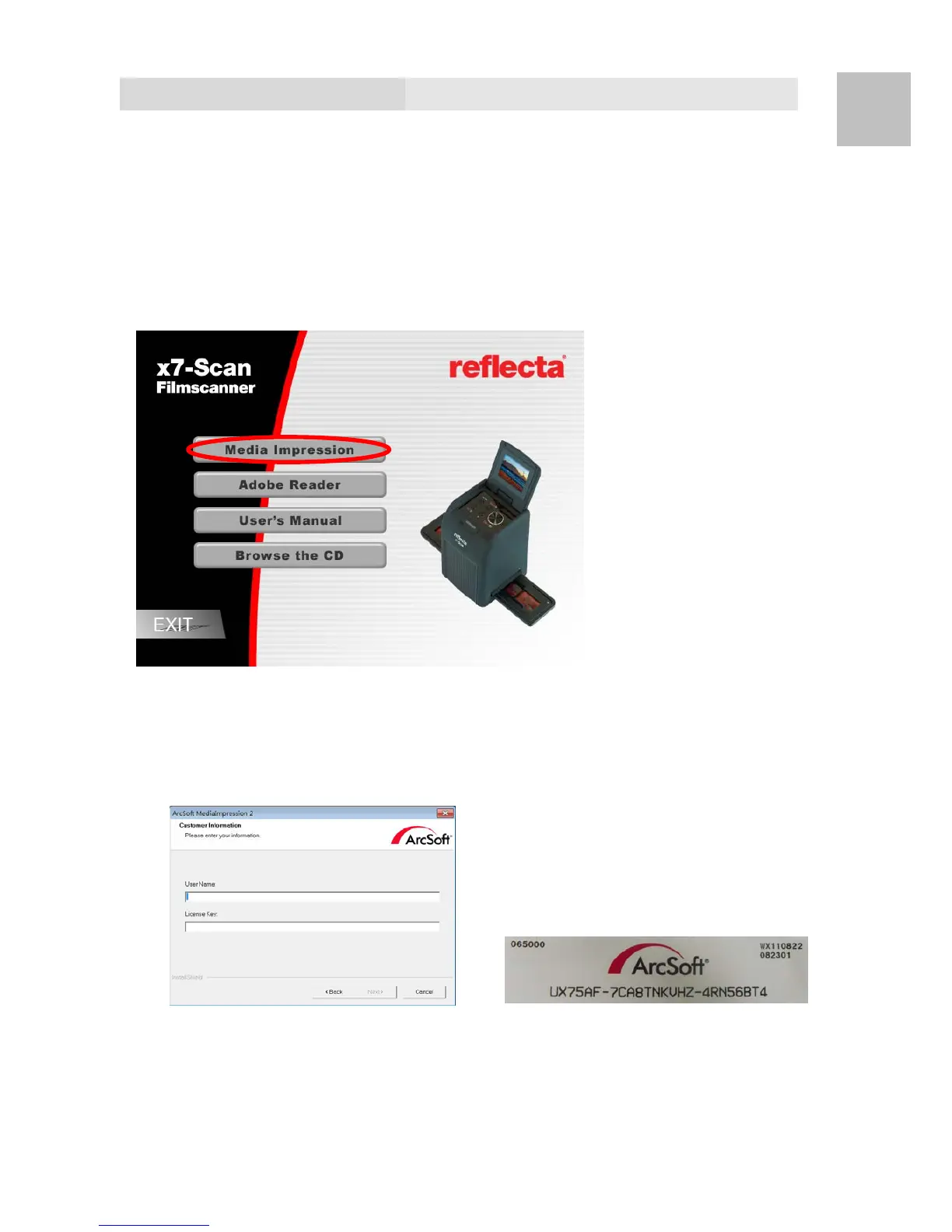
1. Insert the installation CD into the CD-ROM drive and
the installation CD menu should appear.
2. When you see the following screen, choose “ArcSoft
MediaImpression” to install the software.
3. Follow the on-screen instructions.
4. On Customer Information, please refer to the sticker
with SN no. on the CD paper cover for License Key.
EN















 To Next Page