-23-
5. The installed software will automatically create a
MediaImpression logo on your desktop.
6. Restart the computer.
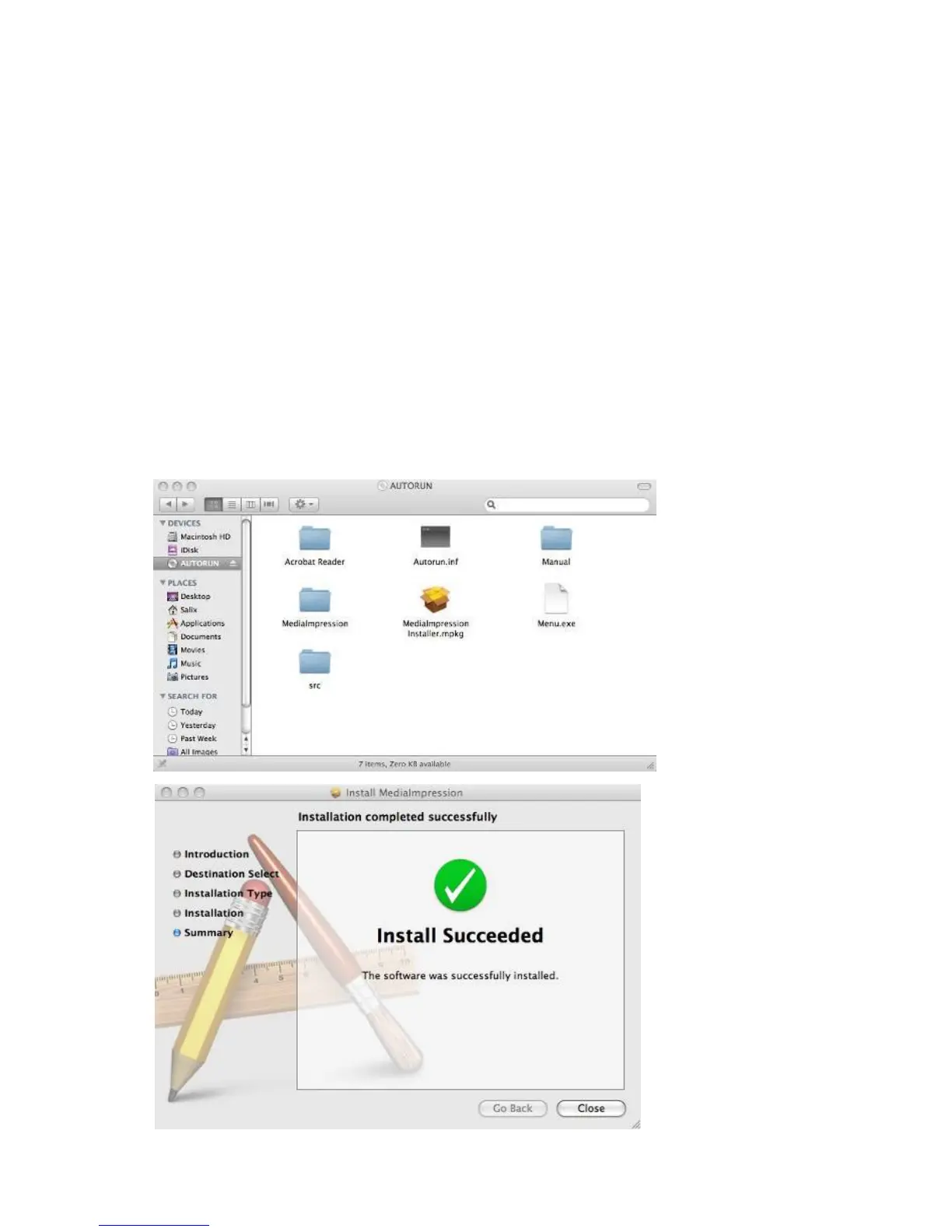
Installing the Software in Mac OS computer
1. Insert the installation CD into your computer’s CD-ROM
drive and click CD icon.
2. Click” MediaImpression Installer”
3. Follow the on-screen instructions.
4. On Customer Information, please refer to the sticker
with SN no. on the CD paper cover for License Key.















 To Next Page