-21-
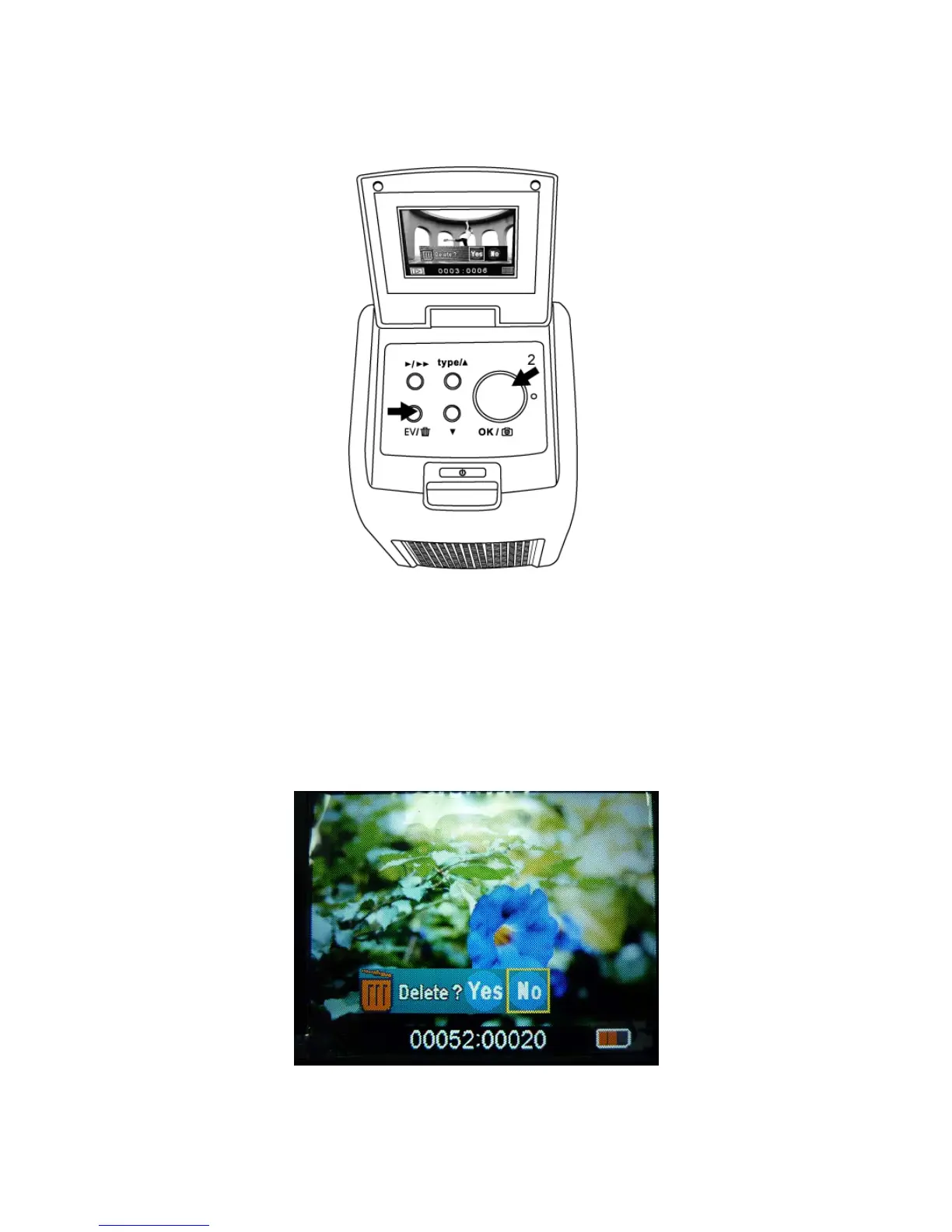
3. Press Delete button three times then OK button to
format SD card.
Note: a. Formatting SD card will delete all the files in the
card. Download your files in the SD card into your
computer before the SD card is formatted.
b. If you don’t want to delete images, please push
down button once, then ok button to select “NO.”















 To Next Page