-14-
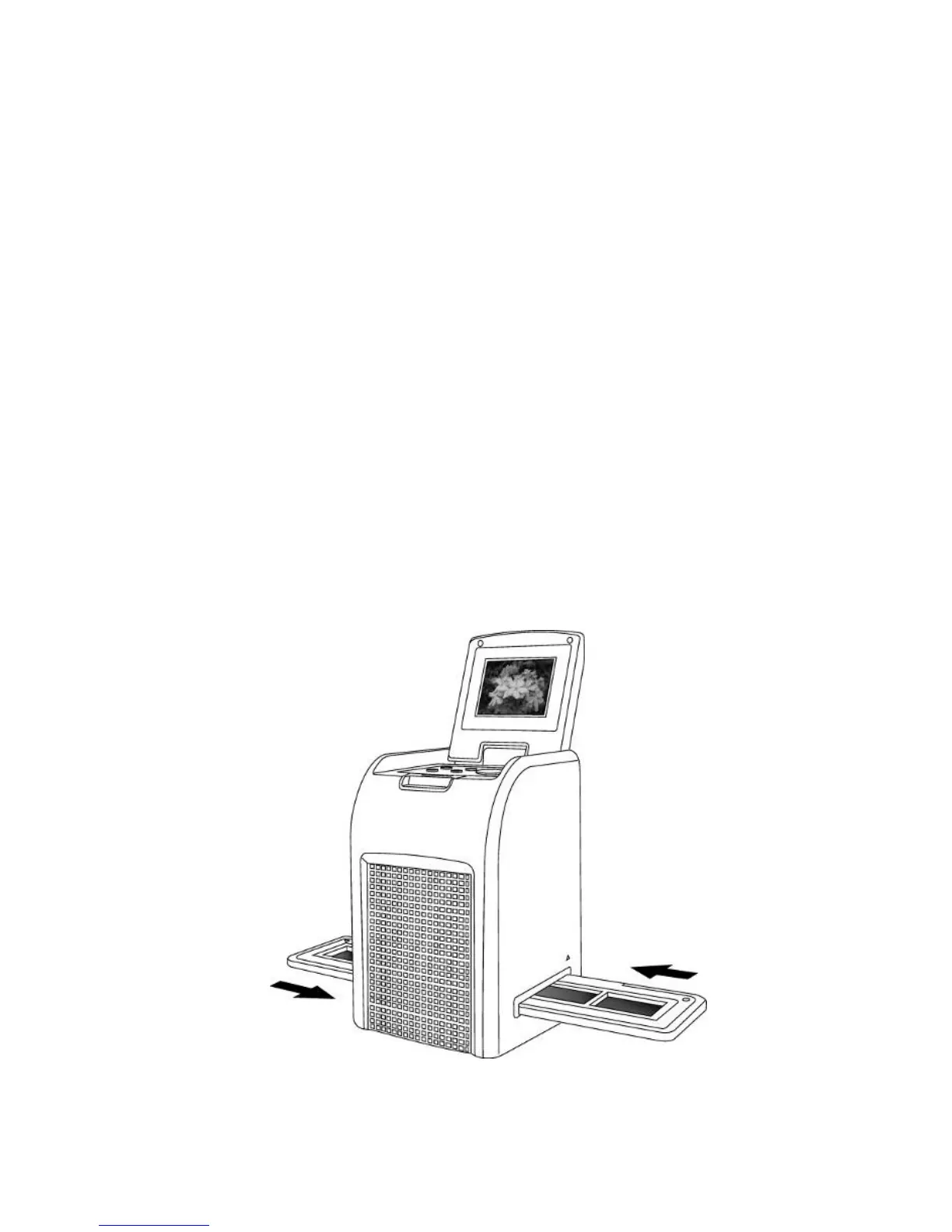
You can adjust the location of the film by moving the
film holder; the film holder can be moved in both
directions.
Keep your picture in the rectangular white frame,
improper adjustment of picture may copy the black
edges of the film holder.
If the black edge of a slide film is on top or bottom of
the LCD display, tilt the reflecta x7-Scan forward or
backward will eliminate the black edge.
You may crop away the black edges later by the
software. (please refer to page 23 edit the pictures
section 1.4 crop)















 To Next Page