-17-
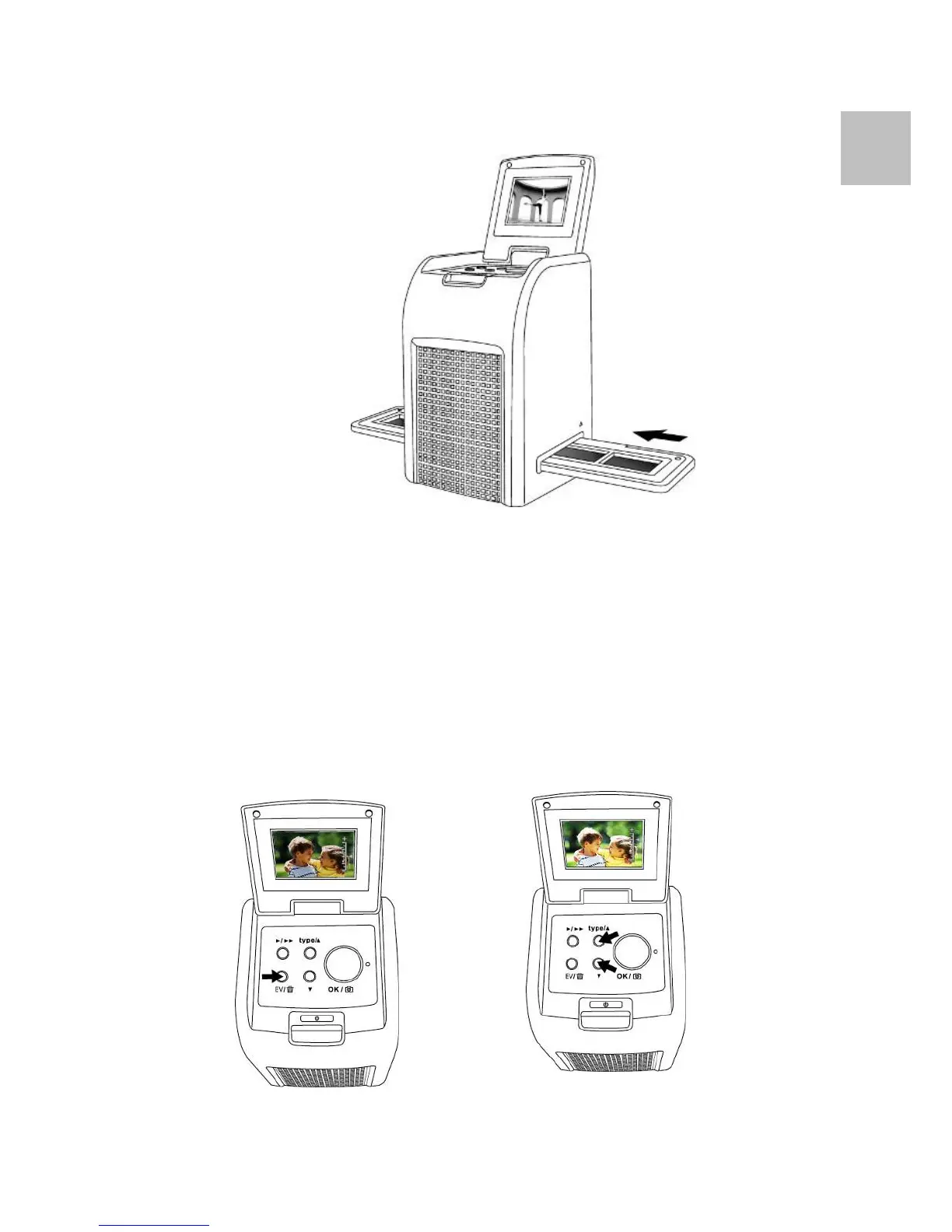
6. Moving the film holder for next.
7. The exposure of the reflecta x7-Scan is set
automatically, in some occasion you need to adjust the
brightness (exposure) at your subject.
Press EV/Delete button to adjust expose value.
Press Up or Down Button to adjust the exposure
compensation from +2EV to -2EV in 0.5 increments.
The amount of compensation is shown at the bottom
of the LCD.
EN















 To Next Page