-29-
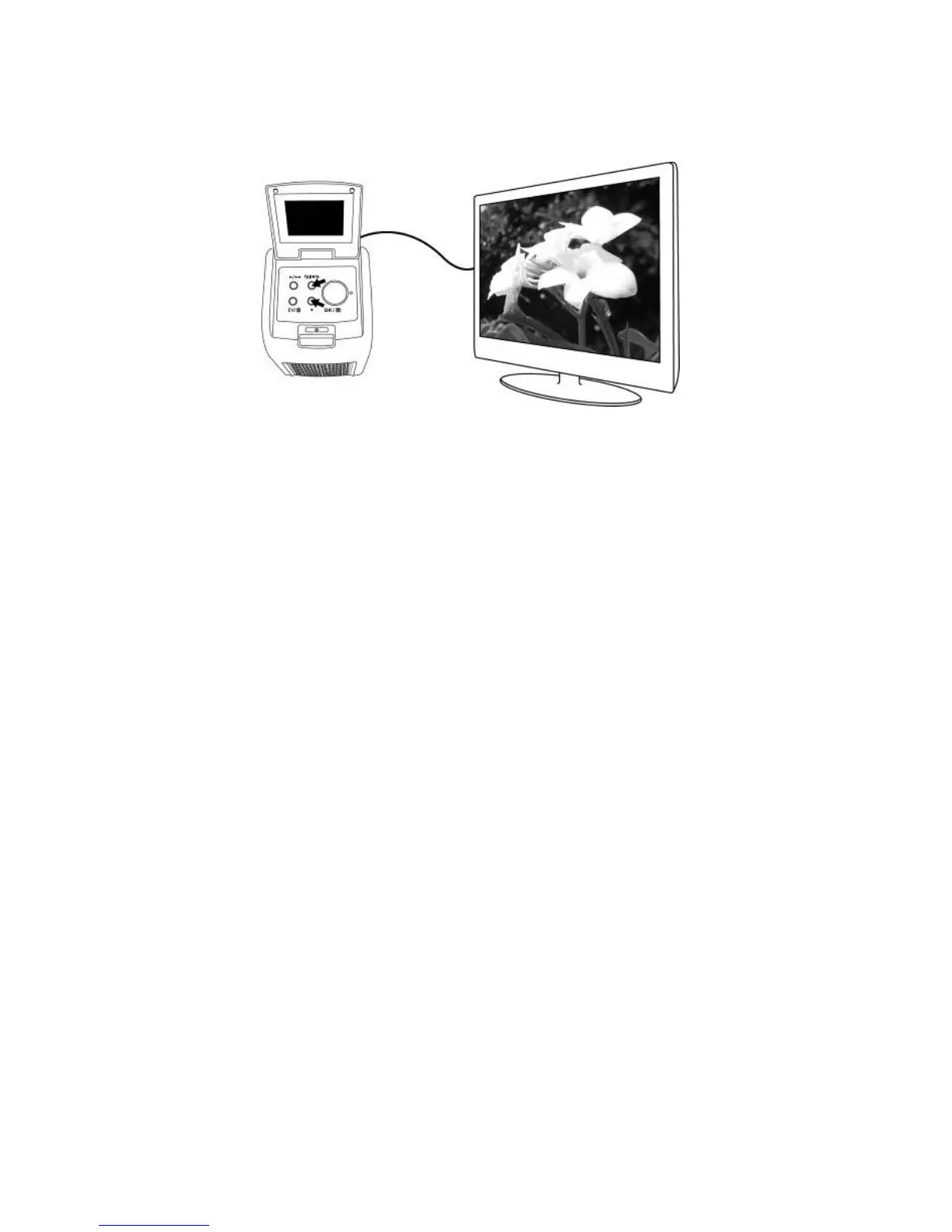
4. Press UP button to forward reviewing.
Press DOWN button to backward reviewing.
5. Press Playback button once more for slide show on
the TV screen.
The slide show can be stopped by pressing the Up or
Down button.
The slide show can be continued by pressing the
Playback button again.
6. Press the Playback button once more during the slide
show will terminate the TV mode and the film scanner
will return to the original stage.
7. Press Power button to turn off when no further TV
viewing.















 To Next Page