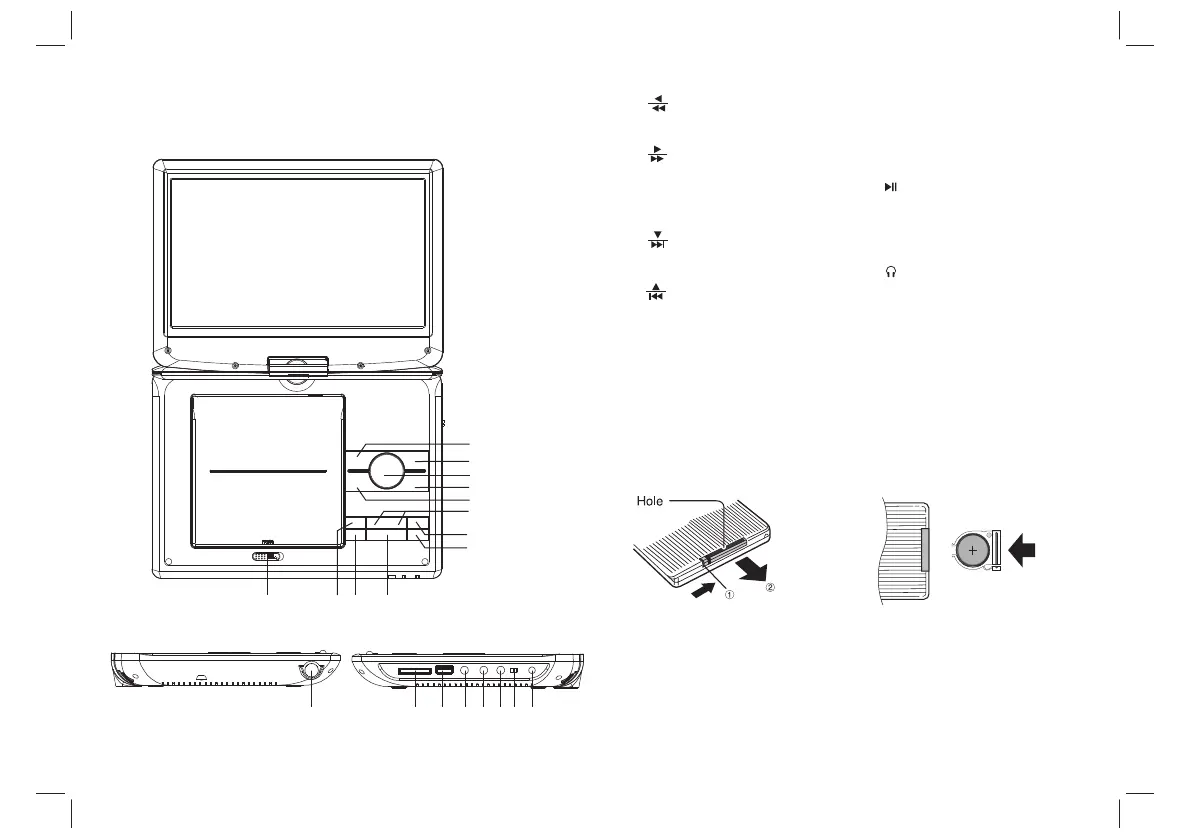
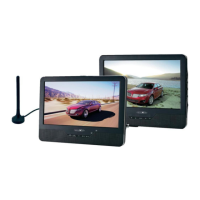
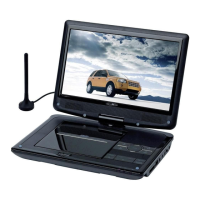
Identification of Controls
Main Unit
Insert the battery
Remove battery during storage or when you are not using the DVD
player for a long time.
2.Insert battery.
NOTES:
1.Open the battery door.
4
8.Source/ DVD/DVB
short press is Source
long press is DVD/DVB
9.MODE
10.■ Stop
11. Play/pause
12.Open
13.SD/MMC
14.USB
15.AV OUT
16. Earphone Socket
17. Coaxial
18.On/Off
19.DC in 9-12V
20. ANT.
1. Left/Fast Backword
short press is left
long press is fast backword
2. Right/Fast Forword
short press is right
long press is fast forword
3.Enter
Confirms Menu Selection
4. Down/Forward Skip
short press is down
long press is forward Skip
5. Up/Reverse Skip
short press is up
long press is reverse Skip
6.VOL- / VOL+
7.Setup
1
2
3
4
9
7
5
6
8
10
11
12
13 14 15 16 17 18 1920


 To Next Page