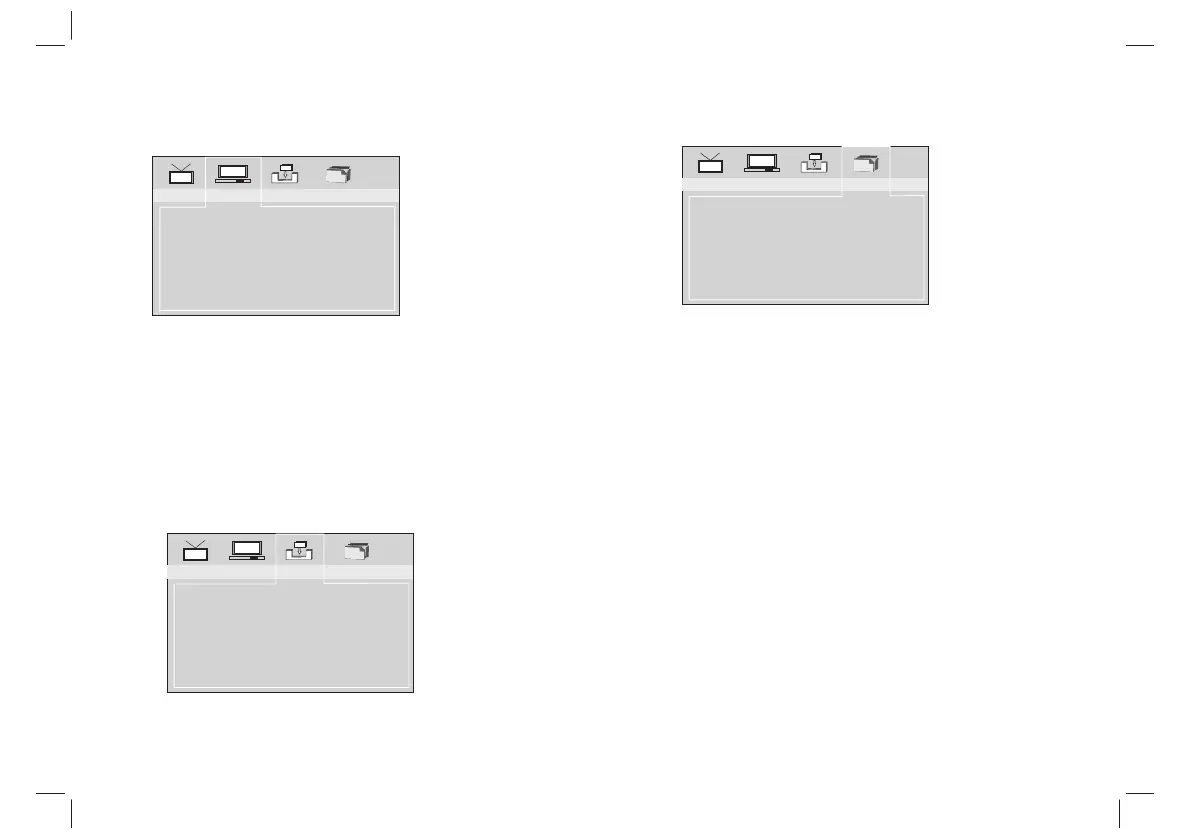
DVB SETUP MENU
SETUP Menu Introduction
9
TV Setting
Video Setting
Audio Setting
Language
Parent Control
Time Setting
System Info
System Config
System Config
TV Setting: Selects TV system and TV type.
Video Setting: Change the video setting: brightness, contrast,
hue, saturation.
Audio Setting: Selects coaxial digital out mode: OFF, RAW, PCM.
Language: Selects OSD language.
Parent Control: Change password and set channel lock.Default
password is 0000.
Time Setting: Set time zone.
System Info: Informations about the update data,tuner,F/W
version and model version.
Installalion
Auto Scan
Manual scan
Default Setup
Installation
Auto Scan: Auto search all available channels.
Manual Scan: Manual search channels.
Default Setup: Reset DVB factory setting.
Game
BoxMan
Burning Tetris
Hit Rat
Game
There are three games:BoxMan,Burning Tetris and Hit
Rat.Select "ENTER" to play.


 To Next Page