SETUP Menu Setting
Video Setup Page
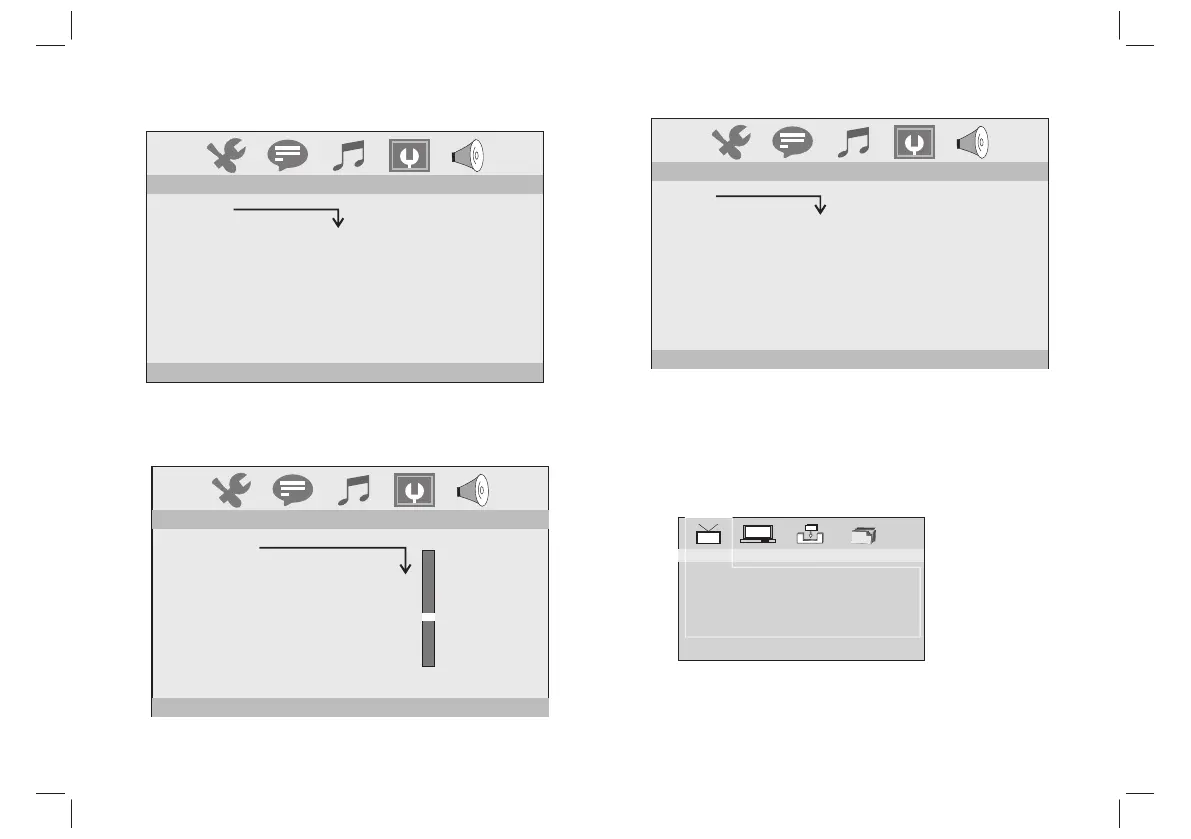
You can change the video setting: brightness, contrast, hue,
saturation.
Downmix:
LT/RT: When playing a 5.1ch DVD disc, the LS/RS/Center channel
audio will output through both L and R channel.
STEREO: When playing a 5.1ch DVD disc, the LS channel audio
will output only through L channel, RS channel audio will output
only through R channel, Center channel audio will output through
both L and R channel.
Speaker Setup
BRIGHTNESS
CONTRAST
HUE
SATURATION
12
10
8
6
4
2
0
--
VIDEO SETUP
--
SPEAKER SETUP
DOWNMIX
LT/RT
STEREO
--
AUDIO SETUP
AUDIO OUTPUT
SPDIF/OFF
SPDIF/RAW
SPDIF/PCM
The function is usel to select the SPDIF output: SPDIF off,
SPDIF/RAW,SPDIF/PCM.
Audio Setup Page
Channel Guide
TV Channels: Enter TV channels list.
In TV channels list, press DISPLAY key can sort programs.
Radio Channels: Enter radio channels list.
In radio channels list, press DISPLAY key can sort programs.
Channels Class: Set channels class: Favor, Movie, News, Show.
Channels Edit: Edit channels: rename, move, delete.
TV Channels
Radio Channels
Channels Class
Channels Edit
Channel Guide
8


 To Next Page