TIME MENU
On Time: Set the automatic switch-on time "On" or "Off".
The following settings can be made for the switch-on time in the
menu: Hour / Minute / Source / Channel / Volume
Sleep-Timer: Set the time after which the unit automatically switches to standby
mode.
Off / 10min / 20min / 30min / 60min / 90min / 120min / 180min /
240min (Details in minutes)
Auto Stanby: Set the time after which the device should switch to standby mode
when there is no signal or no operation.
Off / 3H / 4H / 5H (Details in hours)
OSD Off Timer: Set the time after which the menu displays will be automatically
hidden when no operation is taking place.
Off / 5 /10 / 15 / 20 / 25 / 30 / 35 (Details in seconds)
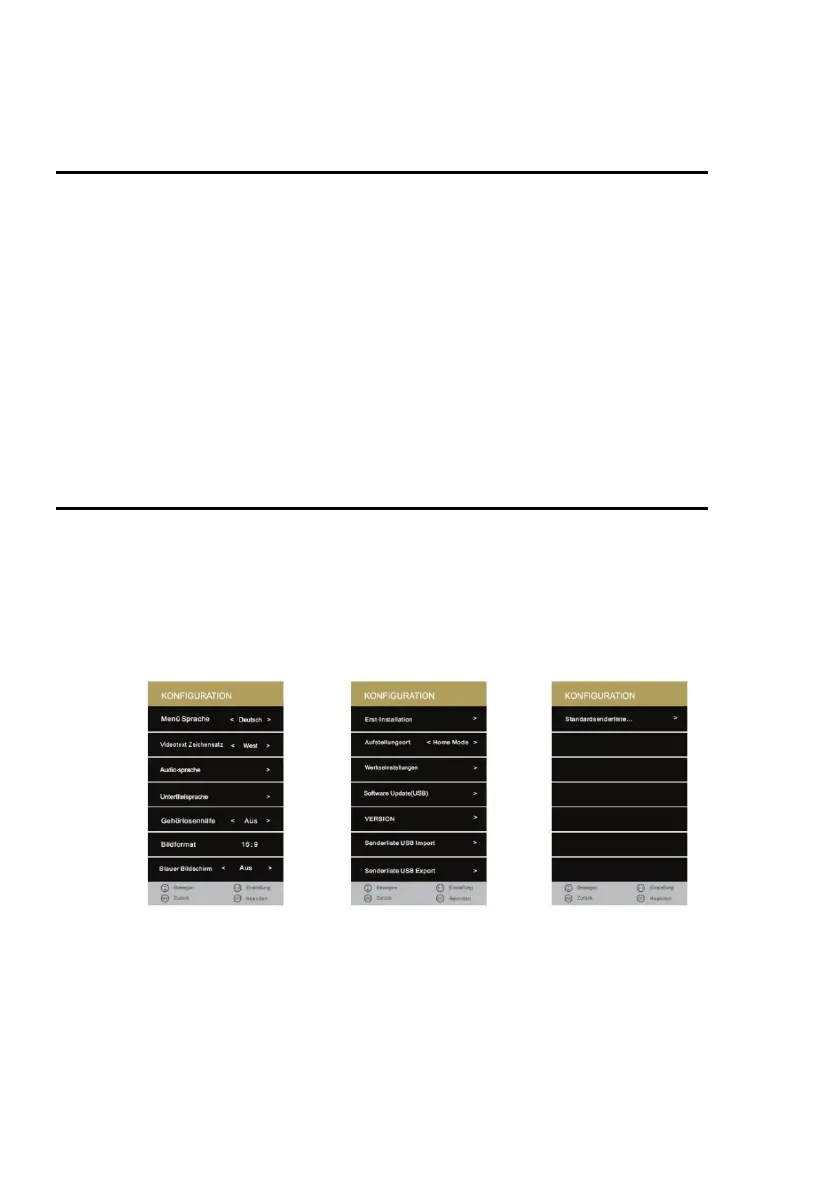
SETUP MENÜ
1. Press the [MENU] key on the remote control.
2. Press the [▲ ▼ ◄►] buttons to navigate in the menu.
3. Select the "CONFIGURATION" menu item and press the [OK] key.
4. In the menu, use the [◄► ▲ ▼] buttons to navigate.
5. Confirm the entry with the [OK] key.
6. Press the [MENU] key to return to the previous menu.
7. Close the menu with the [EXIT] key.



 To Next Page