GB
4
The USB socket and the 5V IN input are not suitable for charging external
devices. There is a risk of damaging the external device.
LED charge indicator:
1. The charging indicator above the DC charging socket lights up red during the
charging process.
2. When the charging process is complete, the LED lights up green.
Note:
The battery is permanently installed and may only be replaced by qualified
service personnel.
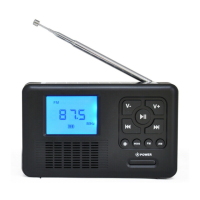
IDENTIFICATION OF CONTROLS
1. DISPLAY: Information display.
2. V-: Volume down.
3. : Play / Pause.
4. V+: Volume up.


 To Next Page