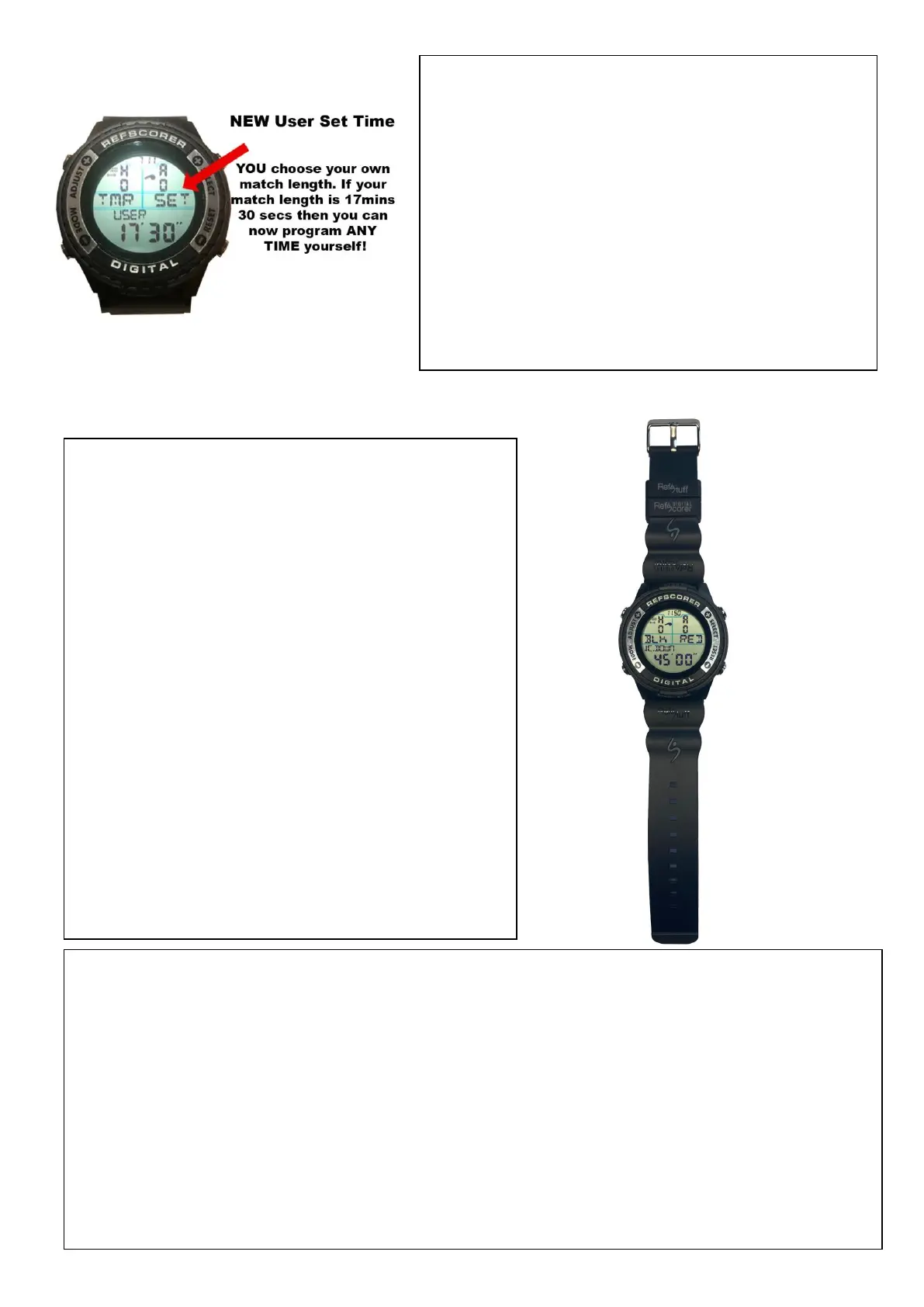
Selecting Home and Away team colours –
Hold the ADJUST button for 3 seconds and then
the screen will flash with the ‘H’ letter, allowing
you to select the Home Team colour.
Press the SELECT button to switch across to the
Away Team and the screen will flash with the ‘A’
letter allowing you to select the Away Team
colour.
Press the MODE button and the Preset Colour
Choices will flash.
Press the SELECT or RESET buttons to scroll
through them until you find your choice.
Press the ADJUST button to lock in your choice
and return to the Match Day Score
Mode/Screen.
When you scroll through the Preset Colour Choices, you will also see the ‘USER’ option.
This smart feature allows you to personalise the letters for your own choice; maybe
program it for team names like MAN v LIV or countries like ENG v USA or even people’s
names like KEV v JAS if you’re using the feature for some friendly fun competition!
When ‘USER’ is flashing, press the START/STOP button and the first digit/letter will flash.
Press the SELECT or RESET buttons to scroll through until you find your letter of choice.
Press the MODE button to switch across to the next letter and repeat the process.
Press the ADJUST button to lock in your choice and return to the Match Day Score
Mode/Screen.
NEW User Set Time - YOU choose your own
match length. If your match length is 17mins 30
secs then you can now program ANY TIME
yourself! Scrolling through the Preset Timers,
you will see one that says USER. Select this
option and program your time! Press the SELECT
button to increase the minutes and the RESET
button to decrease the minutes. Press the MODE
button to switch across to the seconds and
repeat the process.


 To Next Page
 Loading...