SCORING OF THE MATCHES/GAMES IN THE
REFSCORER MATCH DAY SCORE MODE/SCREEN
Count Continue Timer Mode – for the Referee who
wants their timer to continue counting to 90 mins
after half time!
Select your match time from the extensive choice of
Preset Timers, or program your own with the NEW
User Set Time Feature.
Whether you choose the conventional 45 minutes
timer, or 5 minutes, or even program it yourself to 17
minutes and 30 seconds, at the end of the half, the
timer will pause, and upon restart for the second half,
the timer will continue counting UP the same amount
of minutes chosen, so to 90, 10 and 35 using the
three examples listed above!
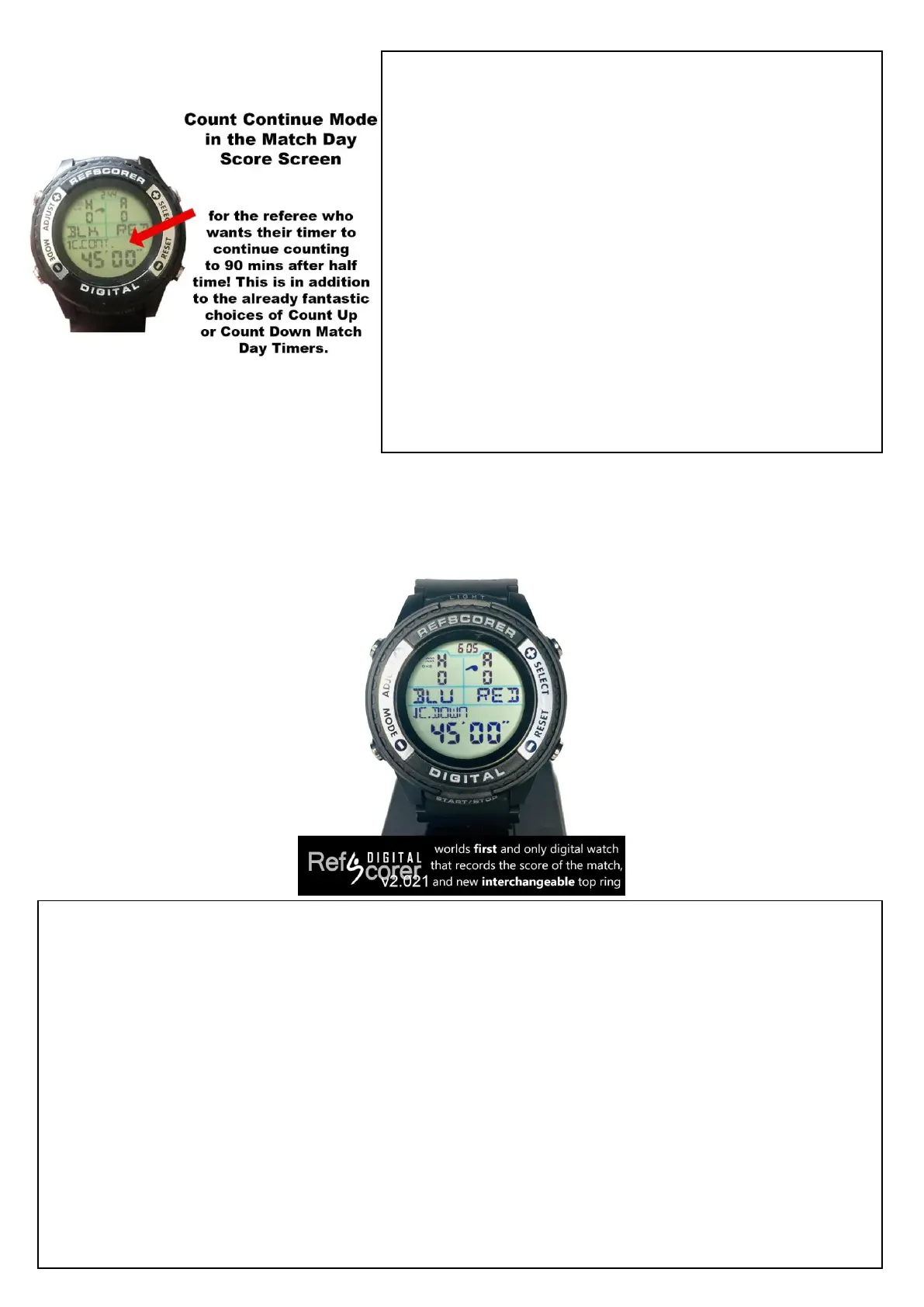
When all the pre match information that you need has been programmed into the RefScorer
Digital Watch, and the Team Kick Off Reminder has been set just before you
blow your whistle to start the match/game, you’re now in RefScorer Match Day Mode -
The Timer has started and the match/game is in play!
When a goal/point is scored, simply press the ADJUST button to add a goal/point for the
Home Team and press the SELECT button to add a goal/point for the Away Team.
If you make a mistake, you can correct this and delete/erase a goal/point by pressing the
MODE button for the Home Team and the RESET button for the Away Team.
At Half Time, the timer will pause and the score stays on the screen. A short gentle press of
the RESET button resets the timer ready for the second half, but a long press and hold of the
RESET button will erase the score and time and reset the screen. (do this after Full Time!)


 To Next Page
 Loading...