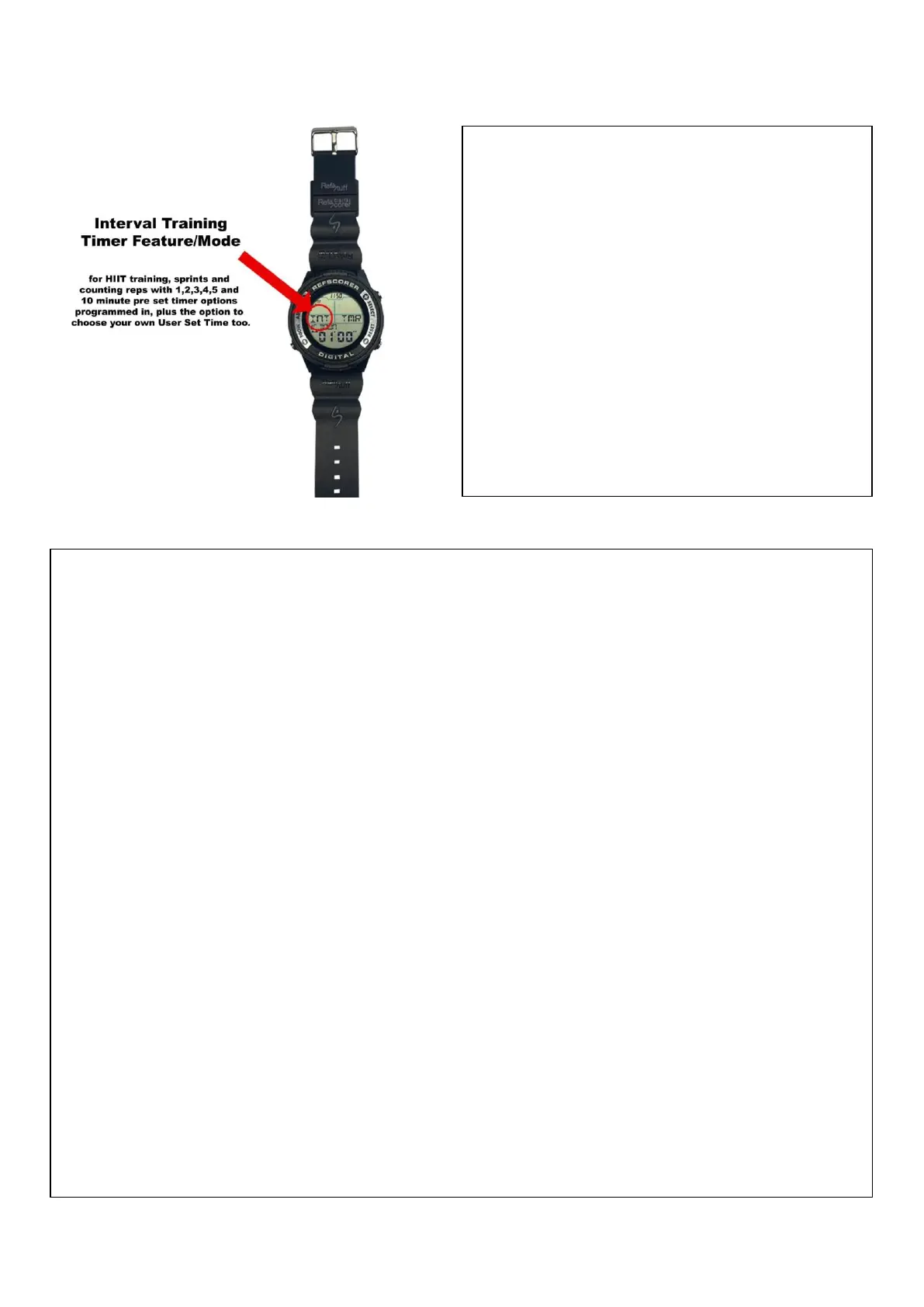
This Mode/Feature can be used by Fitness
Coaches and Personal Trainers for HIIT
training, sprints and counting reps on
squats, lifts, pull ups or push ups etc.
1,2,3,4,5 and 10 minute preset timer
options are programmed in, plus you
have the option to choose your own
User Set Time too.
Hold the SELECT button for 3 seconds and then the screen will flash. Scroll through the
Preset Timers by pressing the START/STOP button until you find your choice.
Press the ADJUST button to lock in your choice and return to the Interval Training
Mode/Screen.
User Set Time - YOU choose your own training time. Scroll through the Preset Timers and
you will see one that says USER. Select this option and program your time! Press the
SELECT button to increase the minutes and the RESET button to decrease the minutes.
Press the MODE button to switch across to the seconds and repeat the process.
Press the ADJUST button to lock in your choice and return to the Interval Training
Mode/Screen.
Count-Down or Count-Up Timer – Select your choice by simply pressing the RESET button.
Press the START/STOP button to START the timer and press the SELECT button to count
the reps done.
When the timer runs out, the watch will beep and/or vibrate, and a short press of the
RESET button will prepare the timer to start again, keeping the score/reps recorded on
the screen.
To clear the screen and start again, hold down the RESET button for a long press of
around 3 seconds and this will erase the score/reps recorded.


 To Next Page
 Loading...