2
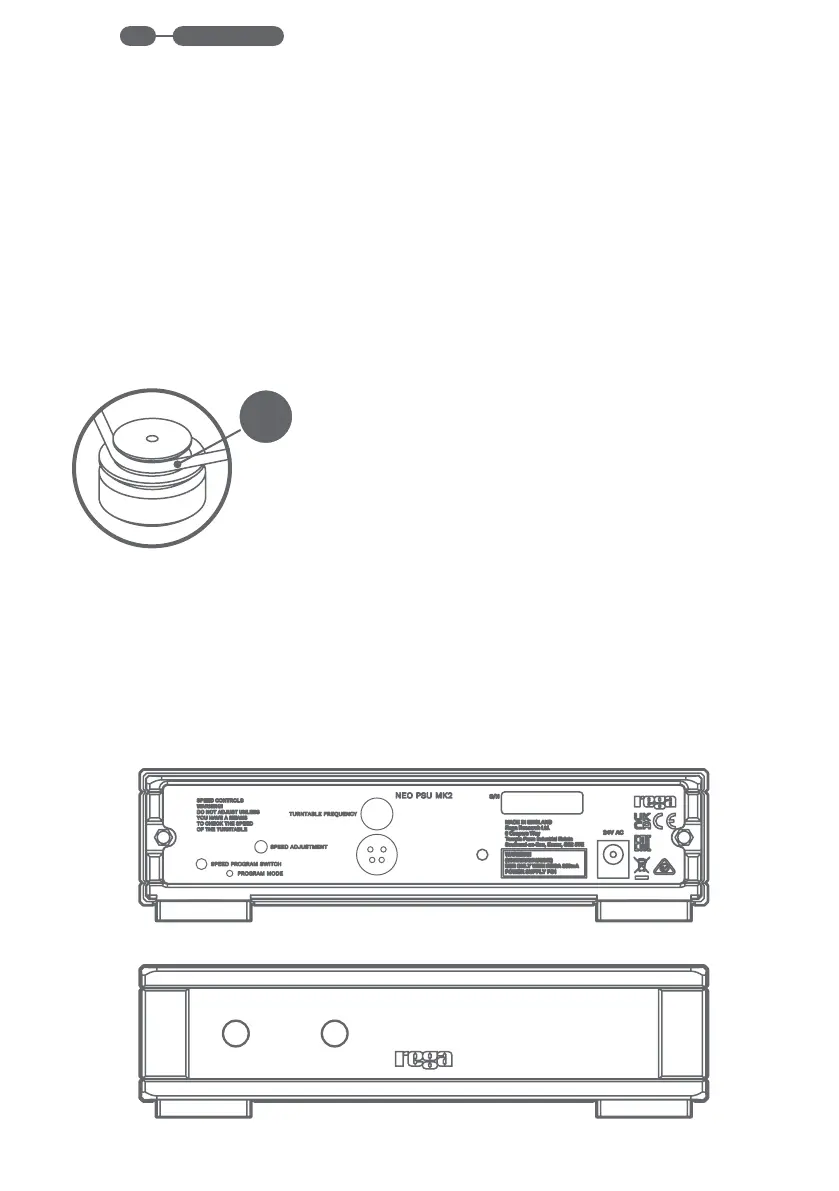
Switch the mains power on. Push the power
button on the front panel to turn the Neo
on. When the power supply is switched
on, the Rega logo will illuminate RED (red
To change to 45 rpm, press the 33/45
button, this will turn the Rega logo to
GREEN and will select 45 rpm. To re-
To minimise the risk of hum being picked up
by the cartridge, the Neo should be situated as
far from the turntable as the cables will allow.
The Neo PSU is compatible with the following
Rega models: P3-24 / RP3 / Planar 3 2016
/ RP6 / P5 / P7 / RP40 Special Edition /
the aftermarket 24V motor upgrade kit.
The original power adaptor supplied
with your turntable is no longer required
when you connect the Neo.
Connect the turntable using the supplied
DIN lead between the rear of the Neo
and the rear of the turntable.
Make sure the PS1 AC adaptor is plugged
in and connected to the 24V AC input
socket on the back of the Neo.
www.rega.co.ukEN


 To Next Page