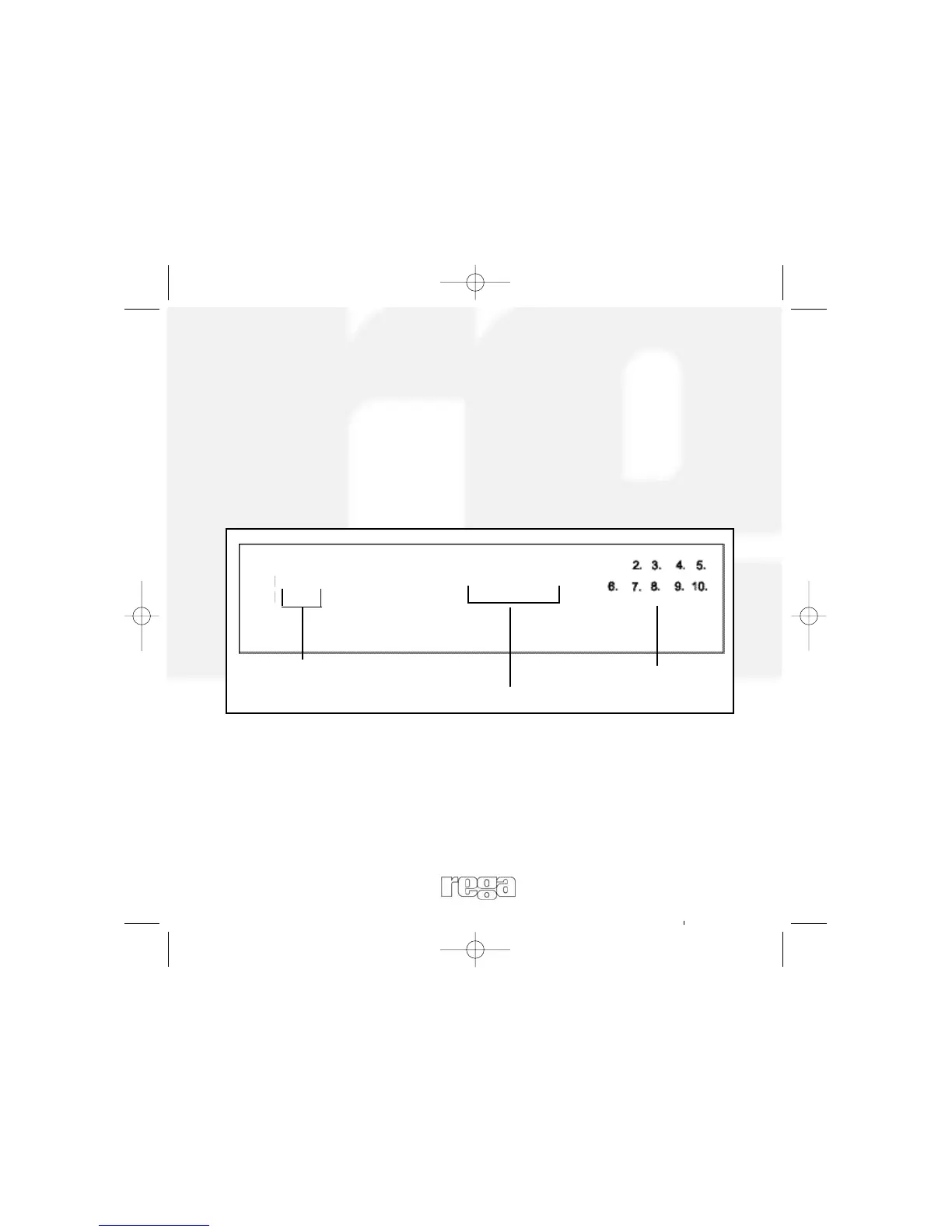
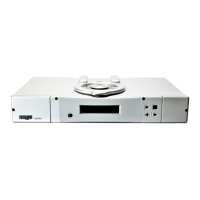
Display information while playing a disc.
While Playing a disc, the display shows the current track number,
playing time, and the music calendar.
The track numbers in the music calendar disappear after they are
played.
The ‘TEXT’ button on the remote can be pressed to show information
on WMA and MP3 files.
Turning off the display
Pressing the ‘Display’ button on the remote once will turn off the
display pressing it again will turn it back on.
2.39
1
Current track
number
Track playing time
Music calendar
13


 To Next Page