Need help?
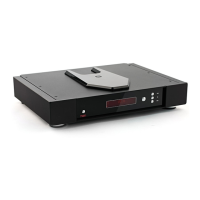
Do you have a question about the Rega Saturn-R and is the answer not in the manual?
Details on all input/output connections on the rear panel, including USB, Optical, and Co-axial ports.
Instructions for downloading/installing the Rega USB Windows driver, plus manual audio output reset steps.
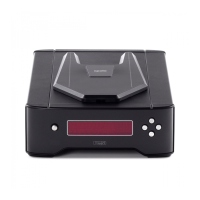
Details functions of front panel buttons for CD playback and Rega logo illumination.
Guides users on operating the Saturn-R CD/DAC player and other Rega products using the Solaris remote handset.
Technical specs for CD player section, including laser, sampling frequency, and frequency response.
 General
| Analog Outputs | RCA |
|---|---|
| DAC | Wolfson WM8742 |
| Digital Outputs | Coaxial, Optical |
| Mechanism | CD |
| Frequency Response | 20Hz - 20kHz |
| Dimensions | 432mm x 325mm x 82mm |

 To Next Page