2
©2019, 2020 Regal Beloit Corporation, All Rights Reserved. MCIM20008E • Form# G0075E
Applications - Evergreen
®
VS Product Line
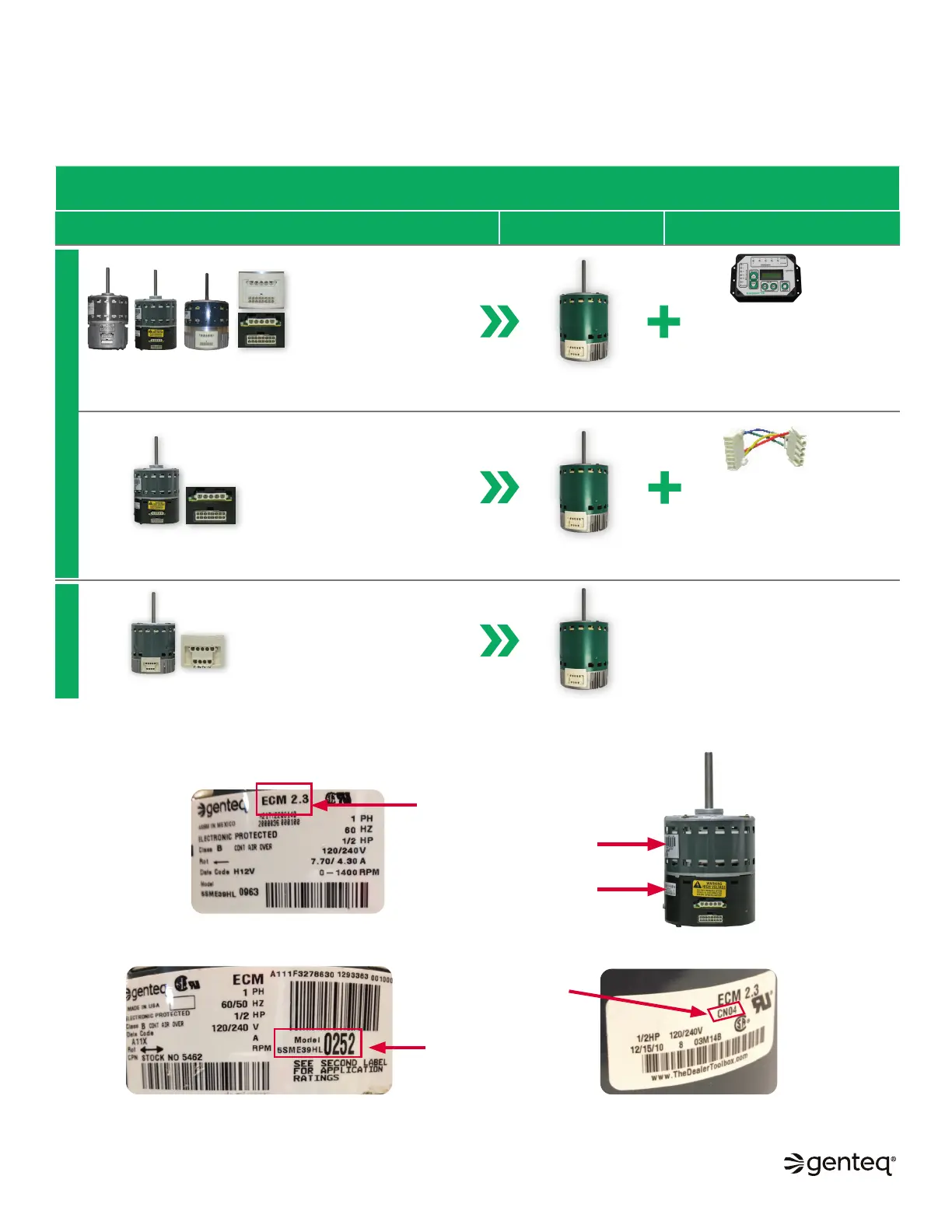
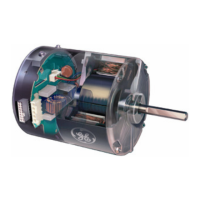
The Evergreen VS motor can be used to replace multiple Genteq
®
constant airflow motors either by itself or in conjunction with the
correct accessory. Use the chart below to select the correct components for your application.
NOTE: Use this manual to replace model 2.0, Genteq models 2.3 and Eon motors with Evergreen VS motor and User Interface.
NOTE: When replacing model 2.5 and Genteq model 3.0, use the installation manual supplied with the motor.
CONSTANT AIRFLOW ECM (VARIABLE SPEED) REPLACEMENT MOTOR OPTIONS
INDOOR BLOWER MOTORS
EVERGREEN
®
VS
MOTOR
REQUIRED ACCESSORY
(SOLD SEPARATELY FROM MOTOR)
Constant Airflow (Variable
Speed) ECM Motors
(Model 2.0, Genteq
®
models 2.3
and Eon
®
motors)
Note: The model 2.3 motor has
the same physical appearance
as the model 2.5 motor. Always
confirm model name on motor,
use ID guide information below
if needed.
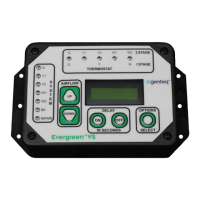
• The Evergreen
®
VS User
Interface (#5K010) is required for
this application and is installed
permanently with the motor
• This part is sold separately from
the motor
Constant Airflow (Variable
Speed) ECM Motors
(Model 2.5 motor)
Note: The model 2.5 motor has
the same physical appearance
as the model 2.3 motor. Always
confirm model name on motor,
use ID guide information below if
needed.
• The Genteq
®
16-4 Pin Adapter
(#5K015) is required for this
application and is installed
permanently with the motor
• This part is sold separately from
the motor
Constant Airflow (Variable
Speed) ECM Motors
(Genteq
®
model 3.0 motor)
• Plug-n-play
(Connect OEM plugs...DONE)
Evergreen
®
VS motor
Evergreen
®
VS motor
Evergreen
®
VS motor
Model
2.0
Model
2.3
Model 3.0
Eon
®
motor
Model 2.5
16-PIN SOLUTION4-PIN SOLUTION
2. If the model name is not listed on either label, locate the model number on the
motor decal or the motor control code on the motor control decal.
3. Go to SMART SEARCH at www.thedealertoolbox.com. Enter the model number or motor control code of your Genteq motor to find
the model name. Use the model name in the chart above to find the correct Evergreen replacement option. You can also use the
ECM SEARCH tool in our app “Dealer Toolbelt” available on both Apple Store* and Google Play*.
HOW TO ID GENTEQ
®
ECM MOTORS
Motor decal
Motor
control decal
Motor
control
code
Model
number
Model
name
1. Locate the model name (2.0, 2.3, 2.5, 3.0 or Eon
®
) on the motor label or the control label. See replacement
motor options chart above for the proper Evergreen
®
replacement motor option.


 To Next Page