2015-03-05 5 1511647
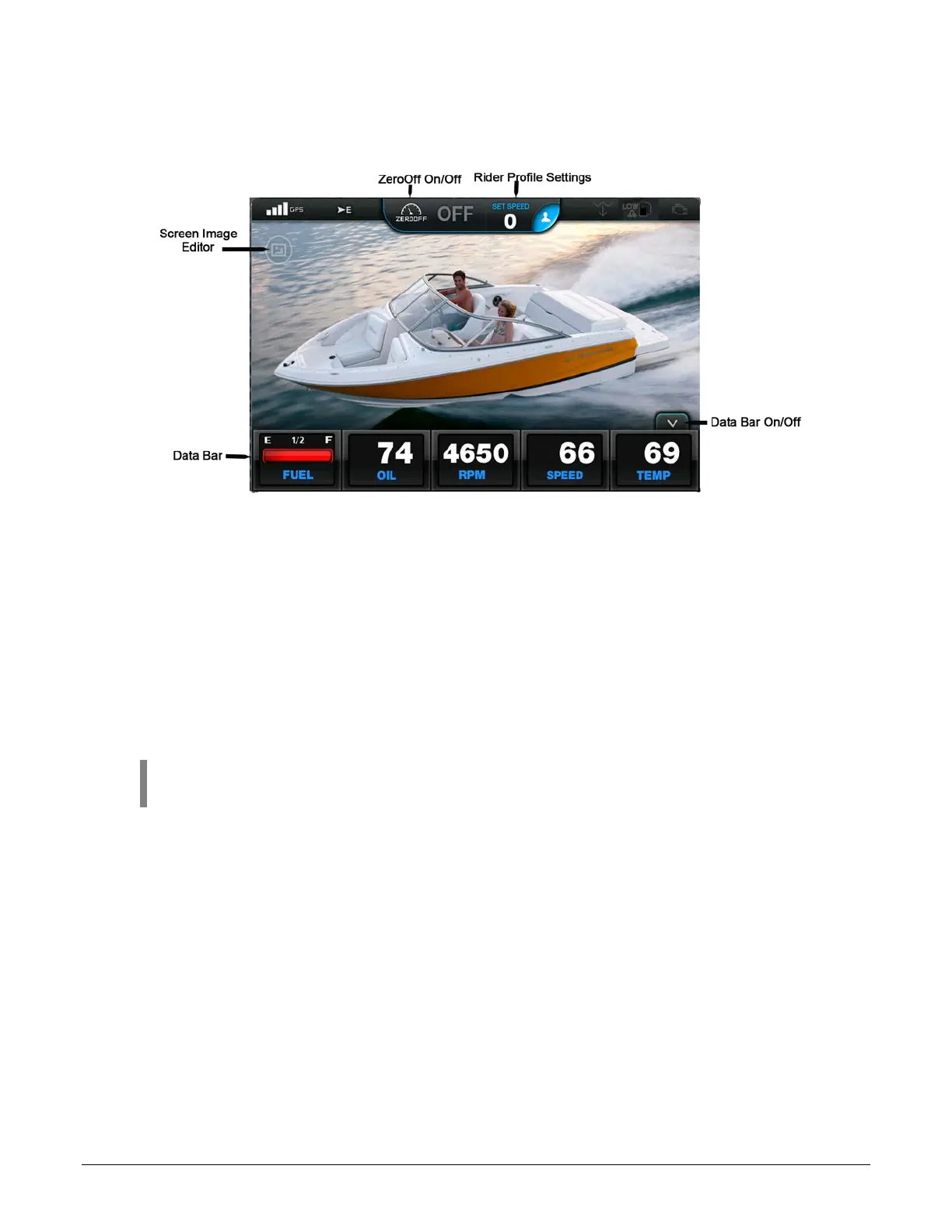
Touch Point Commands
Touch key commands provide additional features and navigation shortcuts. Depending on the
current screen being displayed, they may appear as icons or a vertical control bar. Touch key
commands are used throughout the RegalVue display to:
• Access features
• Edit settings
• Navigate to deeper levels
• Navigate the screen
NOTE: Touch points are defined by words or graphics that are highlighted with
a soft glow.


 To Next Page