2015-03-05 6 1511647
Touch Screen Navigation
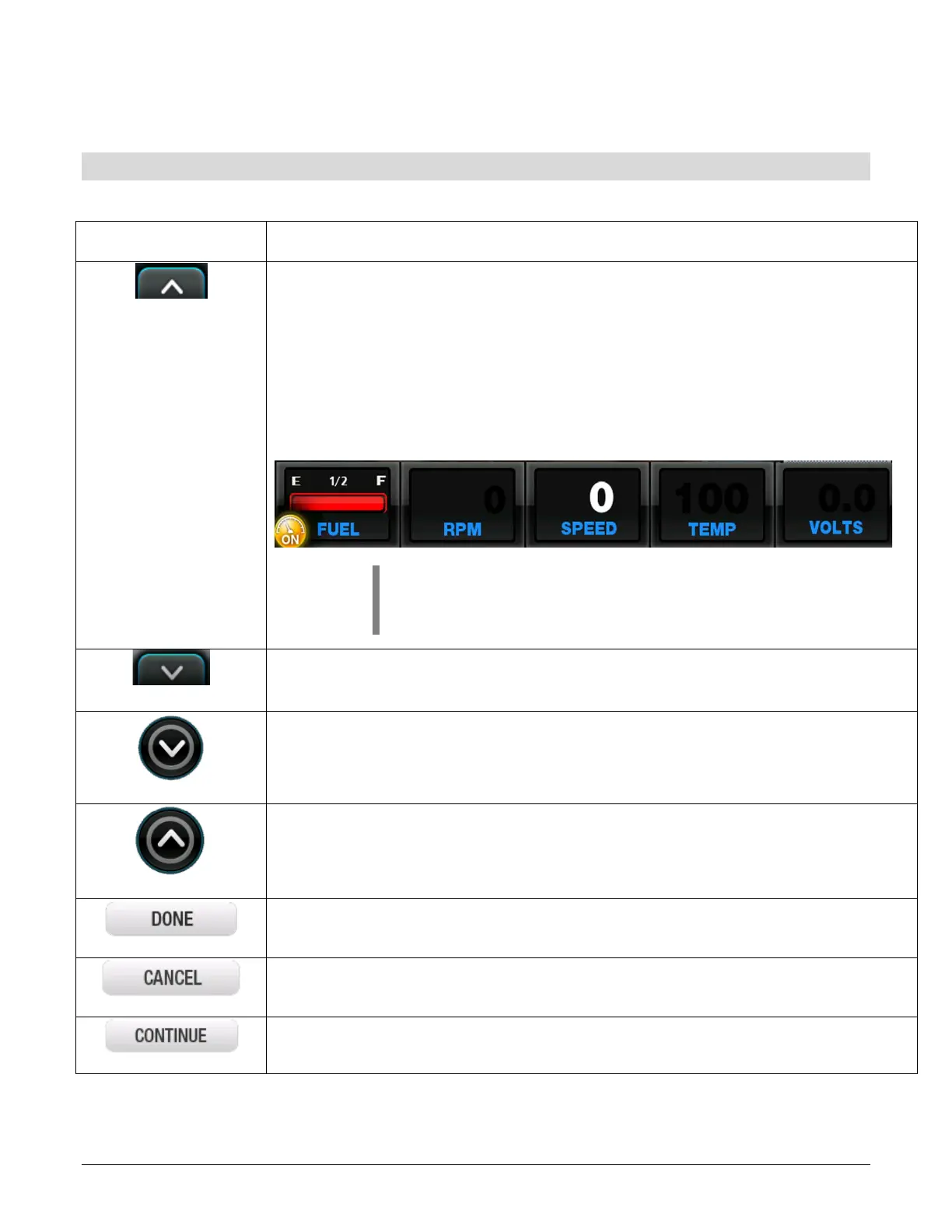
DATA BAR ON – Touch this to display the engine status at the bottom of
the screen. The data bar provides the following information:
• Fuel Level
• Oil Pressure
• RPM
• Speed
• Engine Temperature
• Voltage
NOTE: To change the selection of each pane, touch
and hold that pane until a list appears with the available
choices. Select the alternate setting.
DATA BAR OFF – Touch this to remove the data bar from the bottom of
screen.
DECREASES VALUE – Touch this to decrease the value in the selected
field.
INCREASES VALUE – Touch this to increase the value in the selected field.
DONE – Touch this to save updated settings and exit the screen.
CANCEL – Touch this to leave the screen without accepting any changes.
CONTINUE – Touch this to move to the next page of settings if applicable.

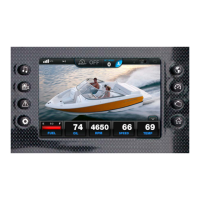

 To Next Page