10
After Sales Support
UK/N.IRELAND HELPLINE N
O
:
REP.IRELAND HELPLINE N
O
:
WEBSITE:
EMAIL:
01270 508538
1800 995 036
www.quesh.co.uk
enquiries@quesh.co.uk
DAB Menu
Press the ‘Menu’ button to enter the DAB menu.
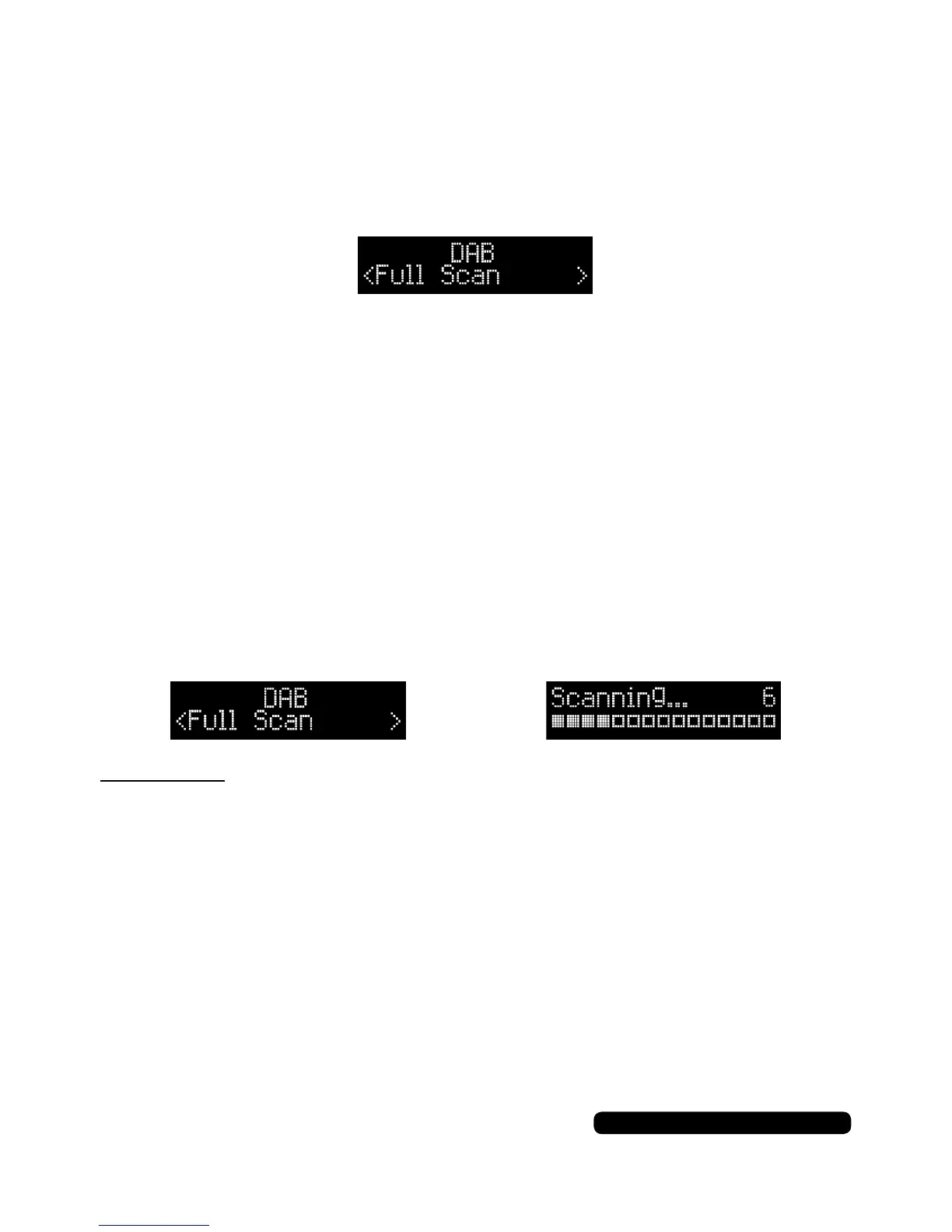
The rst option on the screen will be ‘Full Scan’.
DAB
Using the tune +/- buttons, you can cycle through the DAB menu
options and press ‘Select’ to select your option.
Options: Full Scan > System* > DRC > Prune > Manual Tune
(System* - see page 17)
Press the ‘Menu’ button to exit the menu.
Full Scan
To retune the DAB frequencies of the radio, press the ‘Menu’
button to enter the DAB menu. The rst option will be ‘Full Scan’,
press ‘Select’ to start scanning.
Please Note:
The scan button also does the same function as this option.
System
Please see page 17.


 To Next Page