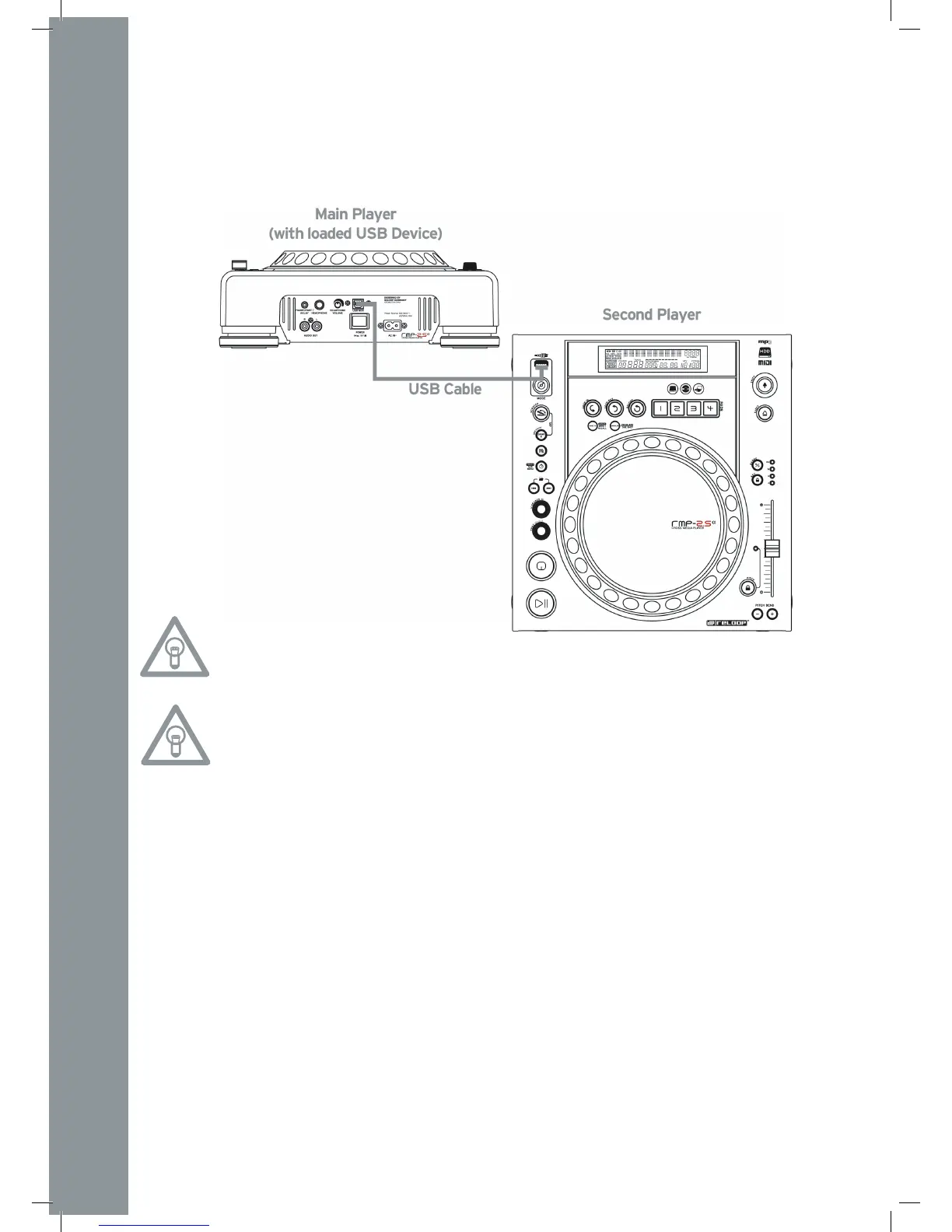
- Connect your USB storage device to the upper USB port -33-.
- Connect the rearmost USB Dataport -28- of the rst player to the USB Media Port -33- of the
second player.
In USB mode you can now access the rst player‘s USB drive (Master) via the second player (Slave).
End of Operation
Before turning off the device via the ON/OFF Button -30- make sure that no CD is in the player. If
this is not the case, please turn on the device again and eject the CD via the corresponding button
-19-.


 To Next Page