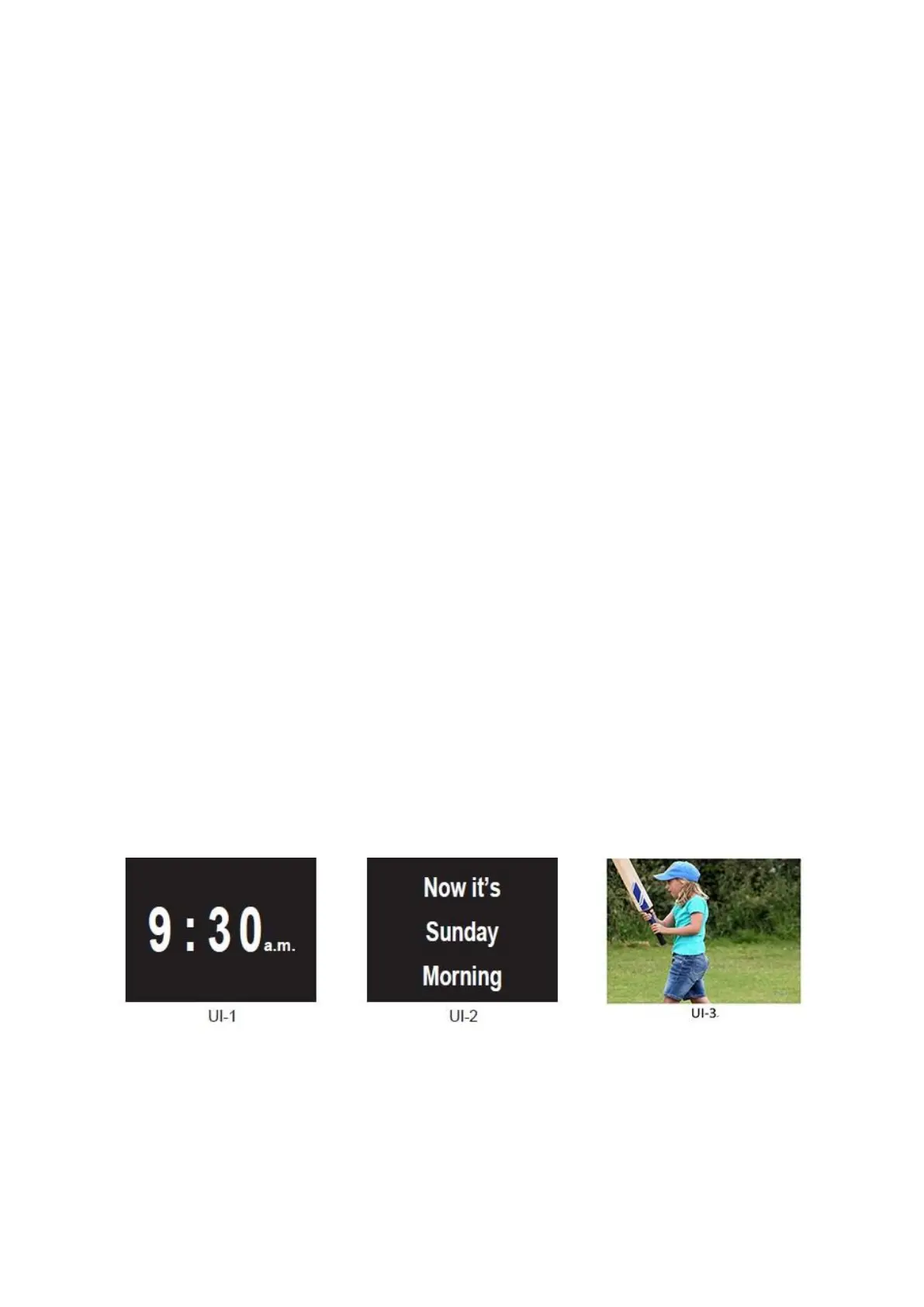
The following settings are for 'Now it's' (UI-2).
Morning Time Set:
Select by pressing the LEFT or RIGHT button. Press DOWN to next time set.
Afternoon Time Set:
Select by pressing the LEFT or RIGHT button. Press DOWN to next time set.
Evening Time Set:
Select by pressing the LEFT or RIGHT button. Press DOWN to next time set.
Night Time Set:
Select by pressing the LEFT or RIGHT button. Press DOWN to next time set. When
finished, press the Exit button to exit.
Set UI-1 Show Time:
Select the length of time shown by pressing the LEFT or RIGHT, Press DOWN to select
UI-2 .
Set UI-2 Show Time:
Select the length of time shown by pressing the LEFT or RIGHT button. Press
DOWN to select UI-3 .
Set UI-3 Show Time:
Select the length of time each of your images are shown by pressing the LEFT or
RIGHT button. To exit press the Exit button. Please be advised that the duration
selected is applicable to all images.
Screen Displays
UI-1 displays the time
UI-2 displays “Now it's”
UI-3 displays your preferred photos (by inserting SD card or USB)
4


 To Next Page