6
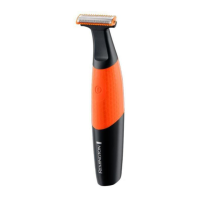
ATTACHING AND REMOVING THE GROOMING HEADS
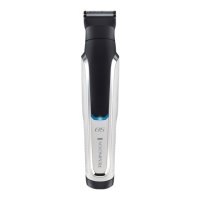
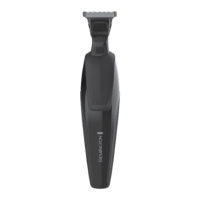
• Ensure that the groomer is switched off before fitting or removing
heads.
• To remove, rotate the head anti-clockwise until it unlocks and then lift
off.
• To fit, place the desired head on top of the groomer and rotate head
clockwise to lock into place.
ATTACHING AND REMOVING ADJUSTABLE COMB ATTACHMENT
• The Adjustable Comb attachment has 10 Length settings: 2-20mm
(in increments of 2mm). Begin with a higher numbered setting. Adjust
cutting length as desired once you are familiar with using the groomer,
it is better to select a longer hair length setting in order not to trim too
much hair.
• To fit, line up the rails on the comb with the slots on the sides of the
groomer and slide the comb downwards onto the groomer.
• To adjust, press and hold the adjustment button on the back of the
comb and slide the comb up or down. Release the button to lock the
comb at that position. The length of cut is indicated by the scale on the
side of the groomer.
• To remove, press and hold the adjustment button and push the comb
up and off the groomer.
ATTACHING AND REMOVING FIXED COMBS
• To fit, hook the front of the fixed comb over the teeth of the 30mm
trimmer head.
• Press the back of the fixed comb down until it clicks into place.
• To remove, lift the tab on the back of the fixed comb upwards until it
comes free from the 30mm trimmer head.



 To Next Page
 Loading...