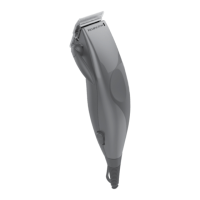
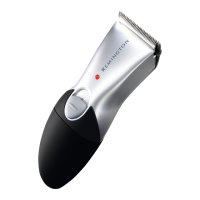
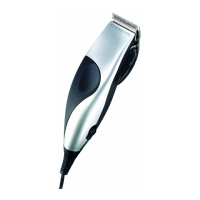
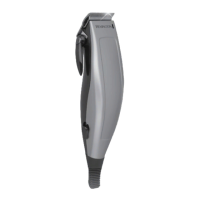
5
F INSTRUCTIONS FOR USE
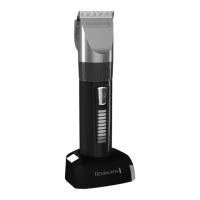
• Forcordeduseconnecttheproducttotheadaptor,thentothemains.
, Caution: Extended mains only use will result in the reduction of the battery
life.
• Cordlessuse–whentheproductisswitchedonandfullychargeditcanbe
used in cordless mode for up to 60 minutes.
• Switchtheproductonbyslidinguptheon/oswitch.
, BEFORE STARTING THE CUT
• Inspecttheclippermakingsurethatitisfreefromhairanddirt.
• Seatthepersonsothattheirheadisapproximatelyatyoureyelevel.
• Beforecutting,alwayscombthehairsoitistanglefreeanddry.
Guide Comb Cutting Length
0 (Grade 0) 1.5mm
1 (Grade 1) 3mm
2 (Grade 2) 6mm
3 (Grade 3) 9mm
4 (Grade 4) 12mm
5 (Grade 5) 16mm
6 18mm
7 22mm
8 25mm
• Eachcombattachmentismarkedaccordinglyonitsoutsidemiddlesurface.
• Usetheclipperwithoutanyxedcombsfortrimminghairclosetotheskin.
• Thiswilltrimhairto1mm,holdingtheclippersothebladesare
perpendicular to the skin will trim hair to 0.5mm.
, TO ATTACH A COMB
• Hookthefrontedgeofthecombtothefrontteethofthewidetrimmer
blade. Then push the back of the comb down until it snaps in place.
, TO REMOVE THE COMB
• Push up the back of the comb until it clicks o the clipper blade.
ENGLISH
GBDNLFEIDKSFINPSKCZ
HUN
PLRUTRROGRSI
AE HR
UA


 To Next Page
 Loading...