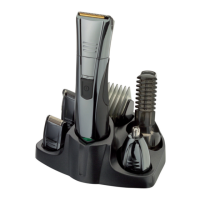
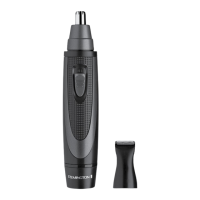
6
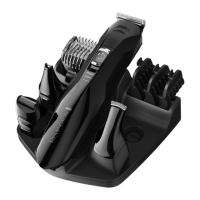
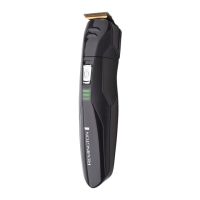
ATTACHING THE GROOMING ATTACHMENTS
• The groomer attachments are removed by rotating anticlockwise and
lifting off.
• Insert the required attachment and rotate clockwise to lock into
position.
HOW TO USE YOUR GROOMER?
What attachments to use:
Arc Detail
Trimmer
Full size
Trimmer
Nose & Ear
Trimmer
Adjus ta ble
Beard &
Stubble
Comb
Mini Foil
Shaver
Beard X X
Beard line X X X
Ear X
Eyebrow X X
Moustache X X X
Nape of
neck
X X
Nose X
Sideburns X X X X
ATTACHING AND REMOVING THE GROOMING HEADS
• Ensure that the groomer is switched off before fitting or
removing heads.
• To remove, rotate the head anti-clockwise until it unlocks and then
lift off.
• To fit, place the desired head on top of the groomer and rotate head
clockwise to lock into place.
ATTACHING AND REMOVING ADJUSTABLE COMB ATTACHMENT
• To attach, line up the rails on the comb with the slots on the sides of
the groomer and slide the comb downwards onto the groomer.


 To Next Page
 Loading...