7
AFTER EACH USE
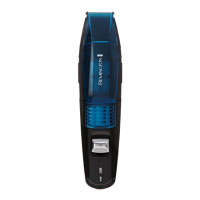
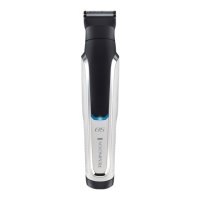
• To clean the precision and arc detail trimmers attachments:
• Brush the accumulated hair from the cutting assembly.
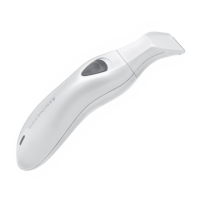
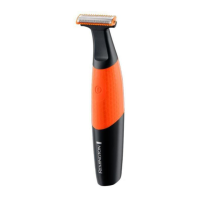
TO CLEAN THE MINISCREEN FOIL
• Hold the trimmer in one hand, with the other press the foil release buttons and
gently pull the foil assembly o the trimmer.
• Blow any loose debris from the foil.
• Brush or rinse the accumulated hair from the cutter assembly.
• To replace the foil assembly, hold either side of the foil and push down until you
hear a click and it is rmly attached. Do not press down on the foil.
• Rinsing the groomer under water or using when in the shower may require
lubricating the cutter blades periodically.
CAUTION
• Only use the light-grade oil or sewing machine oil on the blades.
• Do not use harsh or corrosive cleaners on the units or their cutters.
• Do not apply pressure or hard objects to cutters.
• Do not disassemble cutter assembly.
• Do not submerge in water as damage will occur.
BATTERY REMOVAL
We strongly recommend that a professional removes the rechargeable battery. Parts of
the shaver case, and tools have sharp edges and may cause injury if not handled
correctly.
1. The battery must be removed from the appliance before it is scrapped.
2. The appliance must be disconnected from the supply mains when removing the
battery.
3. To remove the rechargeable battery:
4. Unplug the trimmer.
5. Run the trimmer until the motor stops.
6. Open the handle by placing a at head screwdriver between the handle and hang
hook.
7. Gently pry apart the hang hook from the handle.
8. Gently pull out the inner bracket of the battery.
9. Cut the connect plates of the battery and take out the battery.
• The battery is to be disposed of safely housing.


 To Next Page
 Loading...