SECTION 4
SOFTWARE SETUP INFORMATION
60
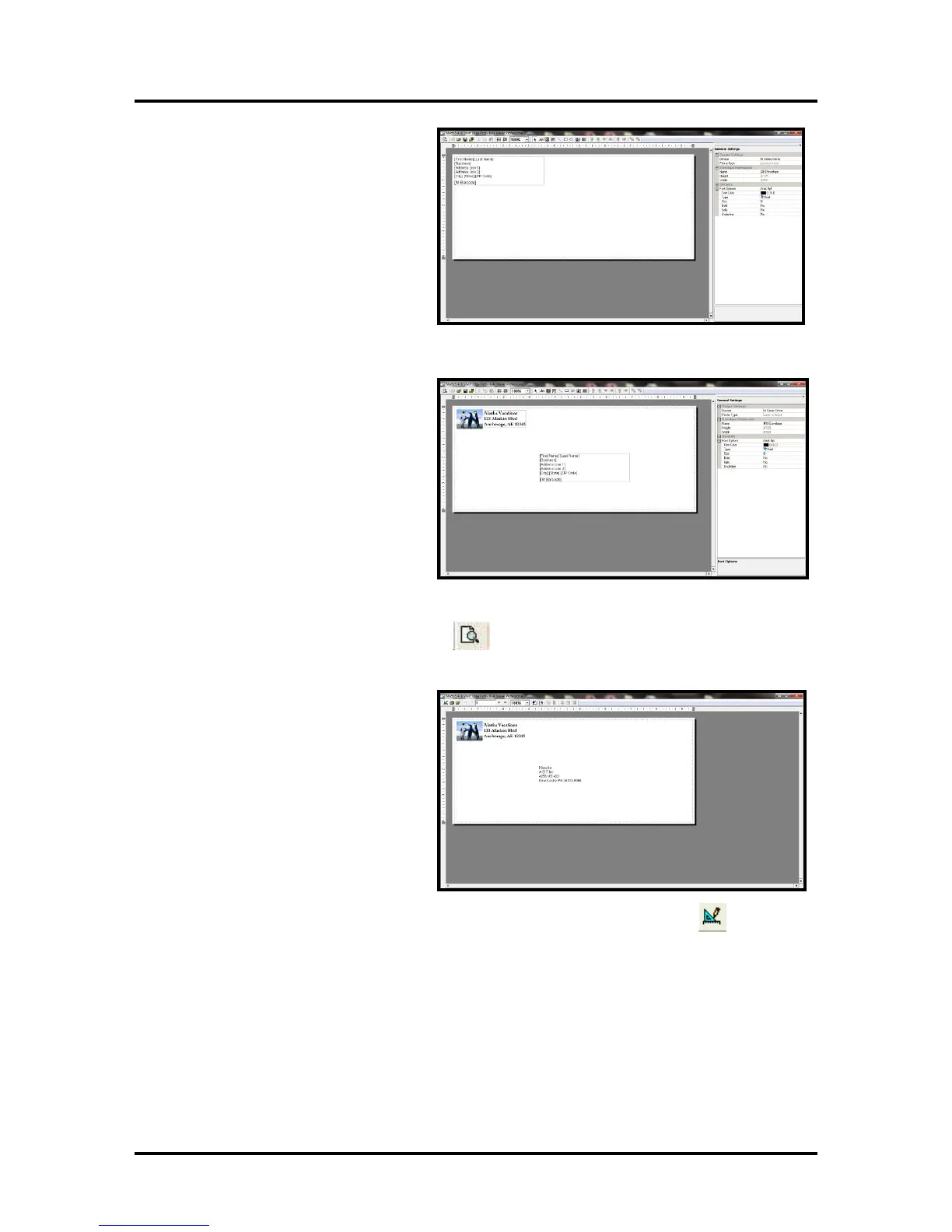
11. The template will be displayed for
you to edit (add, remove, position
data).
Your envelope design (layout)
should look similar to the one
shown here.
12. Add any additional items that you
want printed to the “designer”
screen.
Drag and drop the items onto the
layout, wherever you want them to
be printed on the envelope.
Click on Save.
13. Click on the "Go to Preview Mode" icon
, located at the upper left-hand corner of the
“designer” screen. The envelope preview will be displayed.
Note: The Intelligent Mail Barcode
(IMB) will not be displayed or
printed unless you have “cleaned
up” the mailing using the Address
Quality, Address Correction
(CASS) feature in Bulk Mailer.
Your Bulk Mailer subscription must
be current for this feature to work.
Tip: If you need to change the layout; Click on the "Go to Designer Mode" icon
, to return to
the "designer" screen.



 To Next Page