EasyManua.ls Logo

Rena MACH 5 - User Manual

Rena MACH 5
128 pages
Print Icon
To Next Page IconTo Next Page
Loading...
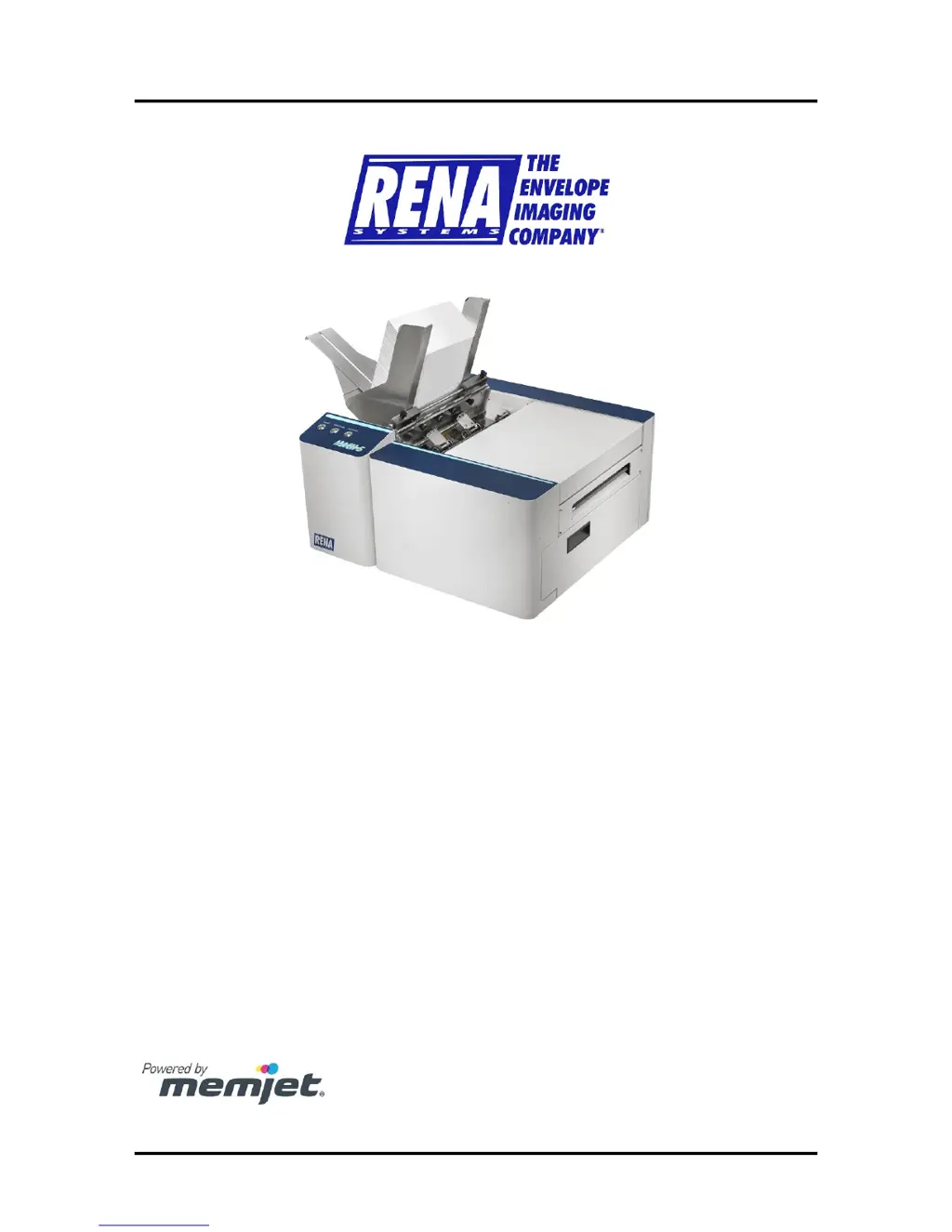
MACH 5
DIGITAL COLOR PRINTER
OPERATIONS MANUAL
Rev 1-31-14

Table of Contents

Other manuals for Rena MACH 5

Questions and Answers

Summary

SAFETY PRECAUTIONS

Section 1 - Getting Acquainted

Print Engine Area

Identifies and describes the components within the printer's print engine area.

Section 2 - Installing the Printer

Installing the Printer Software (Driver & Toolbox)

Step-by-step guide for installing the printer's software, driver, and toolbox utility.

Connecting the Printer via Network (Ethernet Port)

Instructions for connecting the printer to a network using an Ethernet cable.

Installing the Ink Tanks

Provides a detailed procedure for installing the printer's ink tanks.

Installing the Printhead Cartridge

Step-by-step guide for installing the Memjet printhead cartridge into the printer.

Section 3 - Operating the Printer

Control Panel Functions

Explains the function of each button on the printer's control panel.

Printer Status Light Indicators

Describes the meaning of the printer's status lights and their recommended actions.

Setting up the Feed

Instructions on adjusting media guides and separators for proper paper feeding.

Printer Driver Properties

Explains the settings and options available within the printer driver properties.

Using the Toolbox Utility

Guide on using the printer's Toolbox utility for monitoring and maintenance.

User Interface Menu

Covers the various buttons and functions available in the Toolbox user interface.

Section 4 - Software Setup Information

Section 5 - Operator Maintenance

Replacing the Ink Tanks

Procedure for replacing the printer's ink tanks when they are depleted or need replacement.

Cleaning the Printhead Cartridge

Explains how the printhead cartridge is cleaned automatically and manually.

Manual Printhead Cleaning

Provides instructions for performing a manual cleaning of the printhead cartridge.

Replacing the Printhead Cartridge

Step-by-step guide for removing and replacing the printer's printhead cartridge.

Cleaning;Replacing Service Station Items

Covers the maintenance and replacement of components within the service station.

Still Experiencing Print Quality Issues?

Advice for troubleshooting persistent print quality problems after performing maintenance.

Clearing Media Jams

Guides on how to identify and clear various types of media jams from the printer.

Section 6 - Troubleshooting Guide

Print Quality Issues:

Lists common causes and checks for print quality problems with the printer.

Examples of Print Quality Issues (including possible causes and solutions)

Provides examples of print quality issues with their potential causes and solutions.

Clogged;Damaged;Dead Nozzles:

Discusses issues with nozzles and provides solutions for clogged, damaged, or dead nozzles.

Color Mixing Issues:

Explains causes of color mixing problems and offers solutions to resolve them.

Scuff Marks and Smudging Issues:

Addresses issues related to scuff marks and smudging, offering solutions to prevent them.

Fuzzy;Distorted Print

Explains common causes for fuzzy or distorted print quality and how to resolve them.

The Ink Tank(s)

Covers common problems with ink tanks, including level status and recognition issues.

The Printhead Cartridge

Details common problems and solutions related to the printhead cartridge.

Errors and Warnings

Explains messages sent from the driver and displayed on the PC screen.

Toolbox System Status Messages

Details system status messages displayed in red within the M Series Toolbox utility.

Rena MACH 5 Specifications

General IconGeneral
BrandRena
ModelMACH 5
CategoryPrinter
LanguageEnglish

Related product manuals