ENG_UD10719_1
Système audio 2/3 (X81 - J81 - Renault)ENG_RP_759-2_X81_Renault_0
18
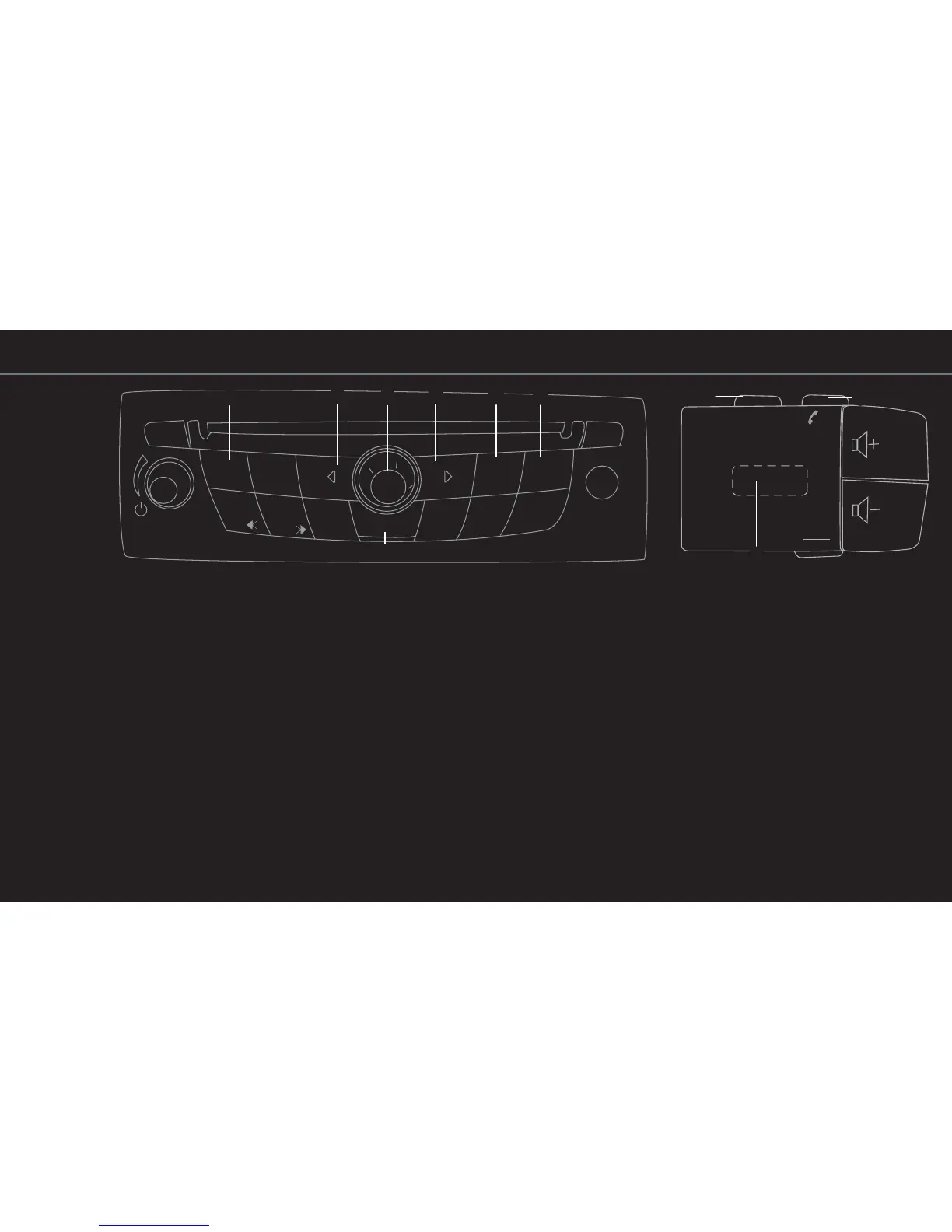
LISTENING TO THE RADIO OR A
CD
Choose the source (FM radio or CD) by pressing
one of the buttons A.
FM RADIO SOURCE
To select a radio station from an alphabetical list,
press A then B to go to the station name field or
“A-Z”, then turn C or H.
To store a radio station to one of the buttons num-
bered 1 to 6:
– select the radio station;
– press on one of the buttons from 1 to 6, until a
beep sounds.
To recall a stored radio station, press the corre-
sponding button.
STARTING THE NAVIGATION SYSTEM
– Press
D;
– turn button C to select “Enter an address” then
confirm by pressing C;
– enter the address fields (town and street) using
the keypad and C on the screen. To select and
confirm a character, rotate then press button C;
– when entry is complete, select “Guide” and
follow the voice guidance and on-screen direc-
tions to your destination.
CANCELLING AN ACTION
Press
F if you wish to return to the previous menu
or erase an entered character.
DISPLAYING THE MAP
Press button
E to return to the map at any time.
ACCESSING THE LIST OF NUMBERS
Buttons
G: to access the list of telephone numbers
directly from the steering wheel controls.















 To Next Page