08
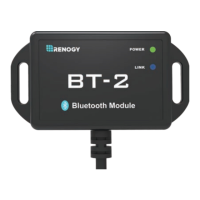
How to Connect Via Renogy BT App and Renogy DC Home App:
Open the Renogy BT App, select “Device Info”, then click “Search Device”(Please turn
on Bluetooth on your smartphone, or you will not be able to findthe device), select the
device that you want to connect. After connectingsuccessfully, device status will change
to “Device connecting”. You can alsosee device information on the screen.
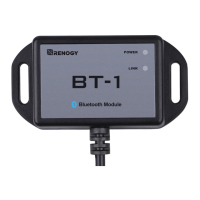
For Renogy BT App:


 To Next Page