EasyManua.ls Logo

Renogy RIV1210PU-126 - User Manual

Renogy RIV1210PU-126
32 pages
Print Icon
To Next Page IconTo Next Page
Loading...
VERSION A0
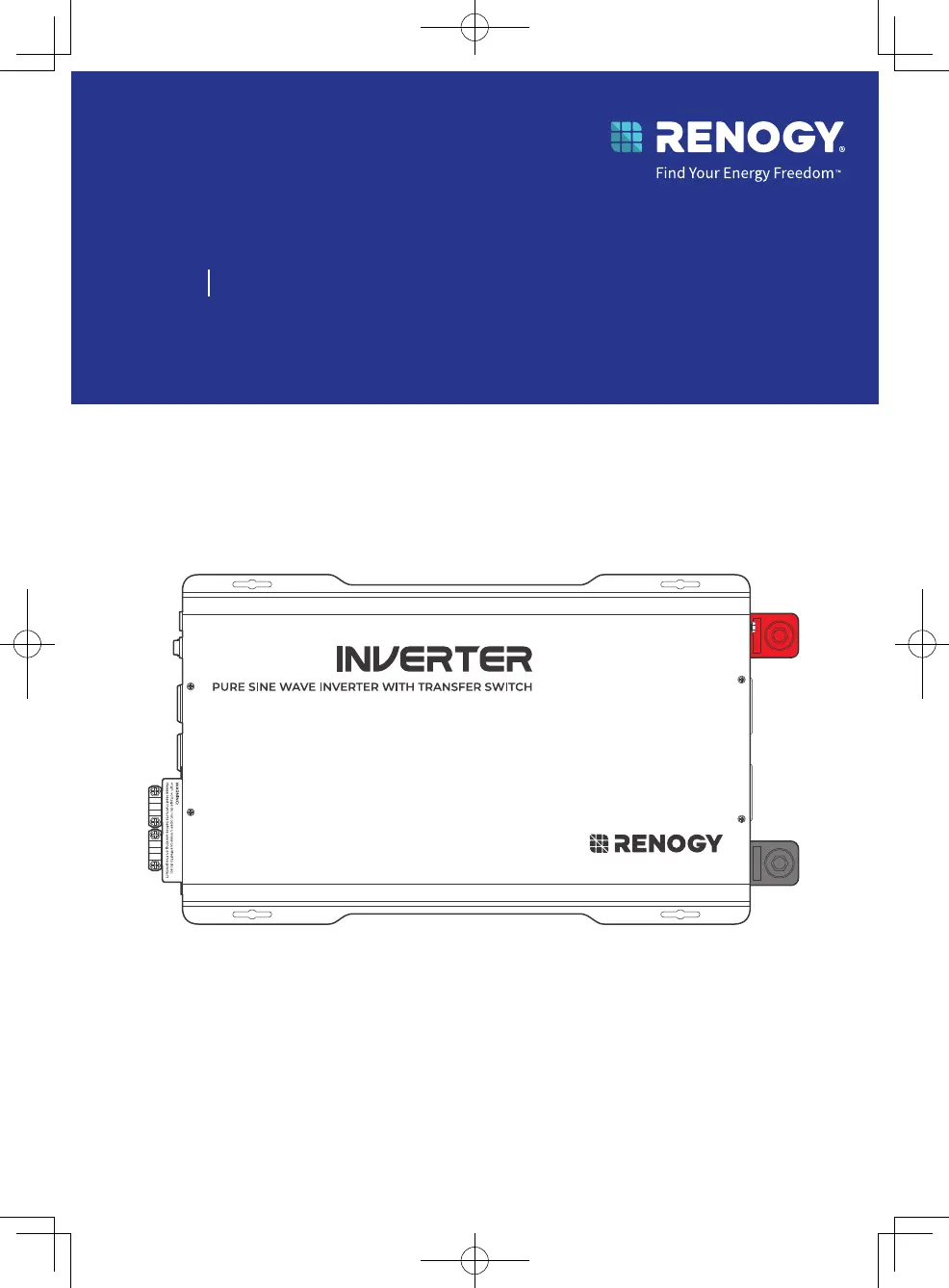
Pure Sine Wave Inverter with Transfer Switch
Renogy
12V 1000W/2000W/3000W
RIV1210PU-126/RIV1220PU-126/RIV1230PU-126
USER MANUAL

Questions and Answers

  • T
    Tammy SimpsonAug 5, 2025
    What to do if GFCI LED is solid yellow on my Renogy Inverter?
    • M
      Madeline WilliamsAug 6, 2025
      If the GFCI LED on your Renogy Inverter is solid yellow, it indicates GFCI protection has been activated. This may be due to the GFCI tripping. To resolve this: 1. Disconnect all appliances from the inverter. 2. Use the ON/OFF/Remote switch to reset the inverter. 3. Reconnect appliances one at a time to see if the yellow LED illuminates, indicating a current leakage issue with one of the appliances. If the LED remains on, it's recommended to contact Renogy for further assistance.
  • L
    Lisa ArnoldAug 10, 2025
    What happens if the Fault LED is solid red because of overload on my Renogy Inverter?
    • N
      Natalie HaleyAug 10, 2025
      If the Fault LED on your Renogy Inverter is solid red due to overload protection, the inverter will attempt to recover automatically after 20 seconds. If the automated recovery fails, a manual restart is required.
  • T
    Todd AlexanderAug 16, 2025
    Why is the Fault LED solid red on my Renogy RIV1210PU-126 Inverter because of undervoltage?
    • M
      Mary EstradaAug 16, 2025
      If the Fault LED on your Renogy Inverter is solid red due to undervoltage shutdown, the inverter will not output power. To fix this, ensure the input voltage remains above 10.5V.
  • C
    Christopher AshleyAug 21, 2025
    What to do if the Fault LED is solid red on my Renogy RIV1210PU-126 due to a short circuit?
    • M
      Meghan RiveraAug 21, 2025
      If the Fault LED on your Renogy Inverter is solid red due to short circuit protection, the inverter will not output power. It will automatically restart after 5 seconds. If it fails to restart after five attempts, you will need to manually turn it on.
  • W
    William WilliamsAug 26, 2025
    Why is the Fault LED solid red on my Renogy RIV1210PU-126 Inverter because of overvoltage?
    • J
      Justin EstradaAug 26, 2025
      If the Fault LED on your Renogy Inverter is solid red due to overvoltage protection, the inverter will not output power. To resolve this, ensure the input voltage remains below 16V.
  • A
    amejiaAug 31, 2025
    How to fix a flickering red LED on a Renogy Inverter?
    • T
      Tyler RaymondAug 31, 2025
      If the LED on your Renogy Inverter is flickering red, it indicates that the input voltage is either too low (below 11V) or too high (above 15.5V). To resolve this, keep the input voltage between 11V and 15.5V.

Summary

Before Getting Started

Disclaimer

Legal notice and copyright information for the user manual.

Online Manual

Provides access to the latest version of the user manual online.

Symbols Used

Introduction

General introduction to the Renogy inverter and its purpose.

Key Features

Highlights the main capabilities and benefits of the inverter.

SKU

Lists the Stock Keeping Units for different inverter models.

Whats In the Box?

Required Tools & Accessories

Lists necessary tools and accessories for installation.

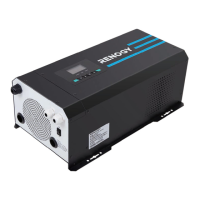
Get to Know Renogy 12 V 1000 W Pure Sine Wave Inverter

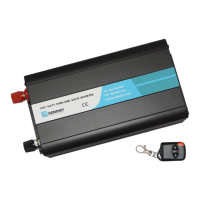
Get to Know Renogy 12 V 2000 W Pure Sine Wave Inverter

Overview of the 2000W inverter model.

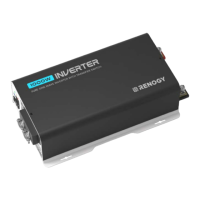
Get to Know Renogy 12 V 3000 W Pure Sine Wave Inverter

Overview of the 3000W inverter model.

Part Description

Details the different parts and controls of the inverter.

System Setup

System Wiring

Illustrates the DC-coupled off-grid energy storage system wiring.

Installation Steps

How to Properly Install Cable Clamps?

Instructions for securely attaching cables to terminals.

Inverter Wiring

Diagrams and steps for connecting the inverter.

Size a Battery Bank

Guidance on selecting an appropriate battery bank capacity.

Step 1. Wear Insulating Gloves

Safety precaution for handling electrical components.

Step 2. Plan a Mounting Site

Guidelines for choosing a suitable installation location.

Step 3. Grounding

Steps for properly grounding the inverter for safety.

Step 4. DC Wiring

Instructions for connecting the DC power source.

Step 5. AC Output Wiring

Instructions for connecting AC loads to the inverter.

Step 6. AC Input Wiring (Optional)

Steps for connecting AC power input to the inverter.

Operating the Inverter

Power On;Off

Procedure for turning the inverter on and off.

Wired Remote Control

How to use the wired remote for control.

N-G Bonding Relay

Explanation of the Neutral-to-Ground bonding relay function.

Monitor the Inverter

Methods for monitoring inverter status and performance.

Short-Range Monitoring via DC Home App

Using the app for monitoring via Bluetooth.

Wireless Long-Range Monitoring

Using Renogy ONE for monitoring via Wi-Fi.

Technical Details and Safety

LED Overview & Troubleshooting

Interpreting LED indicators and resolving common issues.

Pure Sine Wave

Explains the pure sine wave output technology and its benefits.

Specifications

Detailed technical data for the inverter models.

General Safety Information

Crucial safety precautions for installation and operation.

Support and Compliance

Renogy Support

Contact information and resources for customer support.

FCC Statement

Compliance information regarding Federal Communications Commission rules.

FCC Radiation Exposure Statement

Information on FCC limits for radio frequency exposure.

Renogy RIV1210PU-126 Specifications

General IconGeneral
ModelRIV1210PU-126
Rated Power1200W
Output Power1200W
Surge Power2400W
Peak Power2400W
Input Voltage12V DC
Output Voltage120V AC
Output Frequency60Hz
Output WaveformPure Sine Wave
Efficiency90%
ProtectionsOverload, Over Voltage, Low Voltage, Short Circuit, Over Temperature
CoolingFan

Related product manuals