6English
5 English
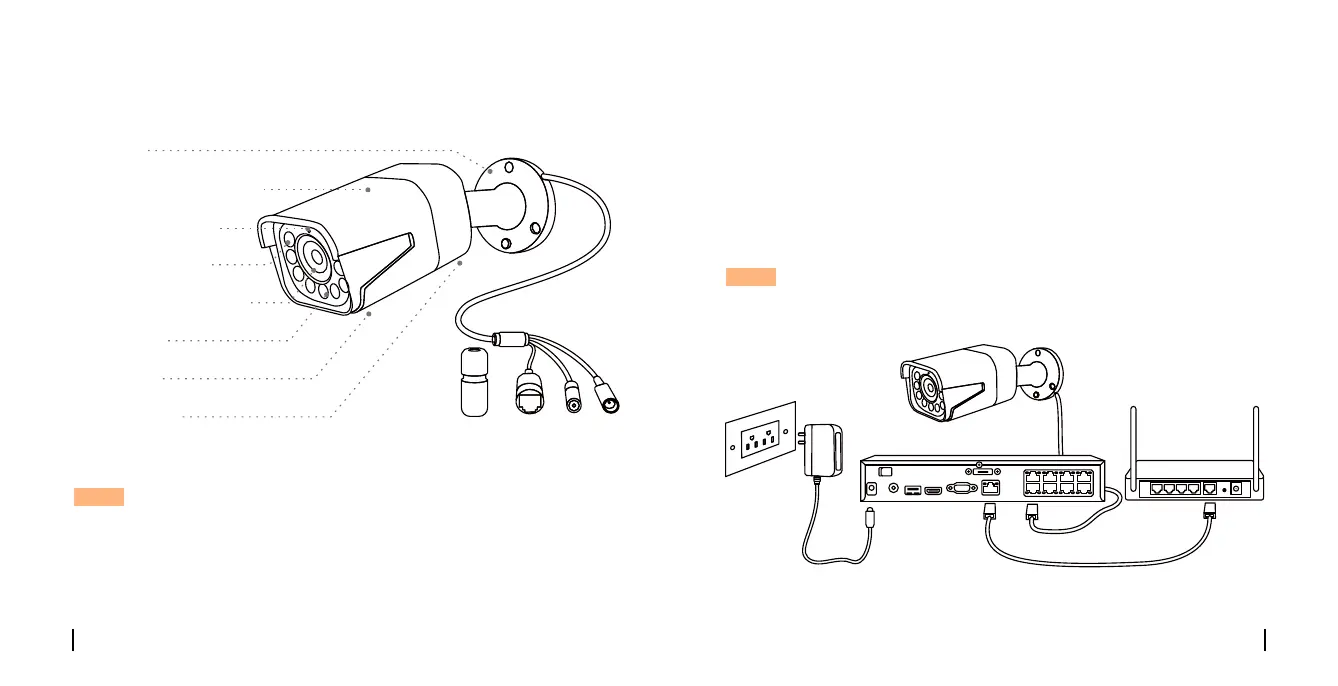
Connection Diagram
Before using the camera, please connect your camera as instructed
below to finish initial setup.
1. Connect the camera to a Reolink NVR (not included) with an Ethernet
cable.
2. Connect the NVR to your router, and then power on the NVR.
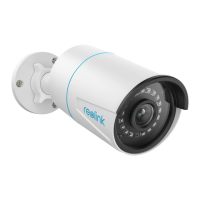
PoE IP Camera
Power Adapter
Reolink NVR *
Ethernet Cable
Ethernet Cable
Router
NOTE: The camera should be powered with a 12V DC adapter or a PoE
powering device such as PoE injector, PoE switch or Reolink NVR
(not included in the package).
* You may also connect the camera to a PoE switch or PoE injector.
NOTE:
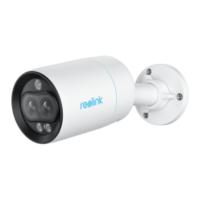
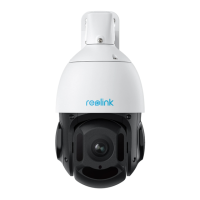
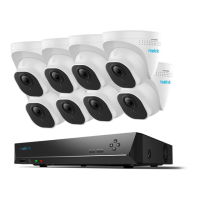
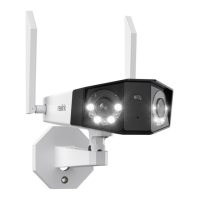
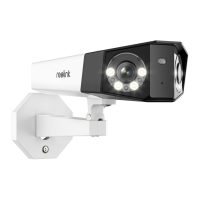
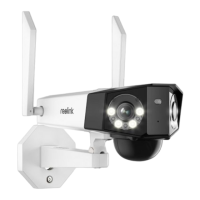
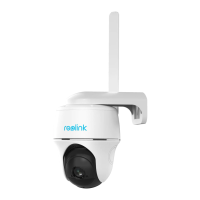
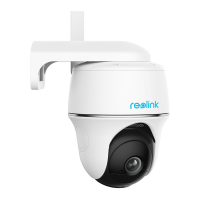
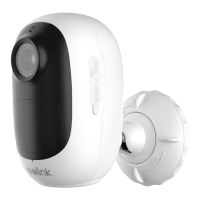
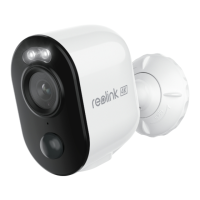
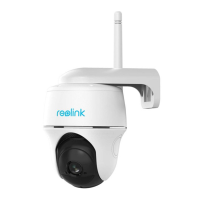
• Dierent types of cameras are introduced in this section. Please check
out the camera included in the package and check out the details from
the correpsonding introduction above.
• The actual appearance and components may vary with dierent
model of product.
NOTE:
• Dierent types of cameras are introduced in this section. Please check
out the camera included in the package and check out the details from
the correpsonding introduction above.
• The actual appearance and components may vary with dierent
model of product.
VGAHDMIUSB
AUDIO
OUT
DC 48V
ON
2 4 6 8
1 3 5 7
OFF
LAN
eSATA
Mount
Metal Aluminum Case
Infrared Lights
Daylight Sensor
High Definition Lens
Spotlight
Speaker
Built-in Mic


 To Next Page
 Loading...