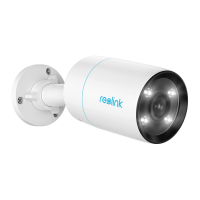
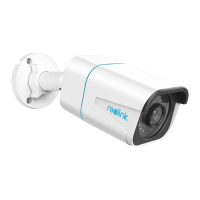
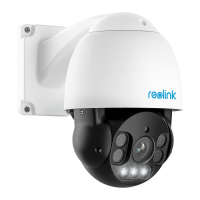
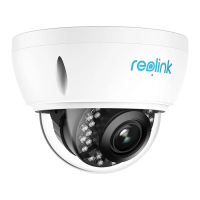
Reolink Wireless Camera
User Manual
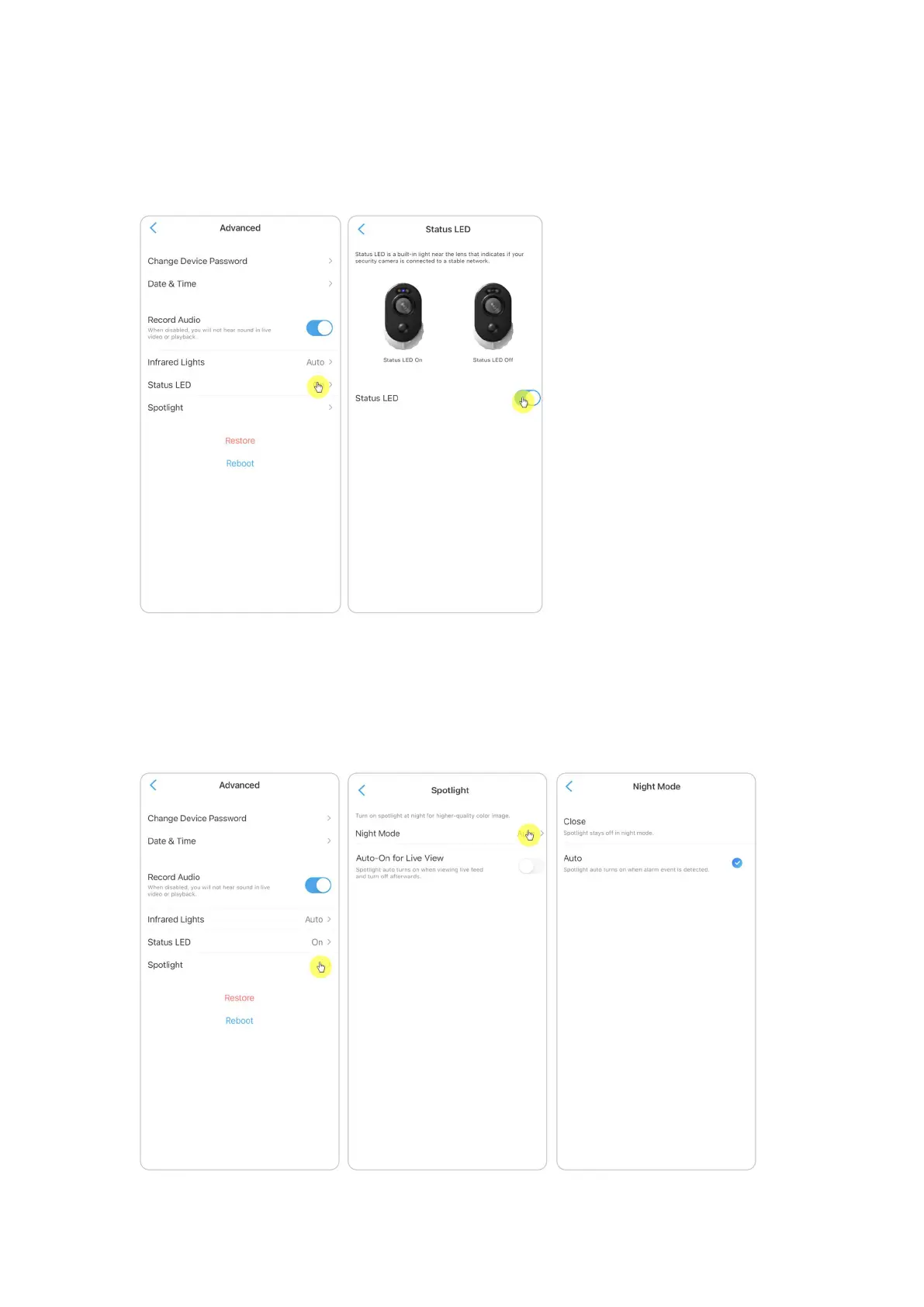
Status LED
You can turn off the status LED if you don't want others to see it.
Go to camera’s Settings > Advanced > Status LED, tap to turn it off.
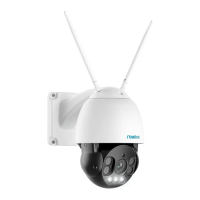
Spotlight
For cameras that have a built-in spotlight, when an alarm event is detected, the
spotlight will be automatically turned on. And the spotlight can also add light
sources to produce full-color images.
By default, the Night Mode is set as Auto.



 To Next Page
 Loading...