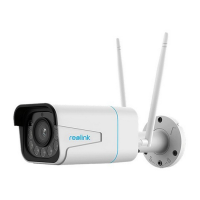
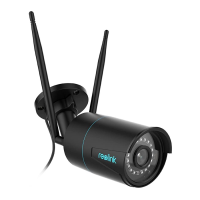
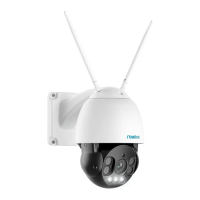
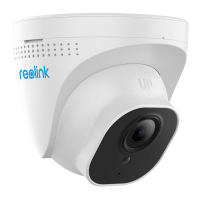
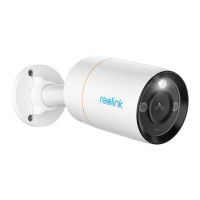
Reolink Wireless Camera
User Manual
Drag the bar to adjust the sensitivity from low, mid to high.
For the sensitivity of motion detection, you can also add a sensitivity schedule to
set up diffident sensitivity level for different hours.
Set up Object Size
For
cameras with human/vehicle detection, y
ou can set the minimum object size
and the maximum object size. Moving objects that are smaller or bigger than the
size will not trigger alarm.



 To Next Page
 Loading...