English English3 4
VGAHDMIUSB
AUDIO
OUT
DC 48V
ON
2 4 6 8
1 3 5 7
OFF
LAN
eSATA
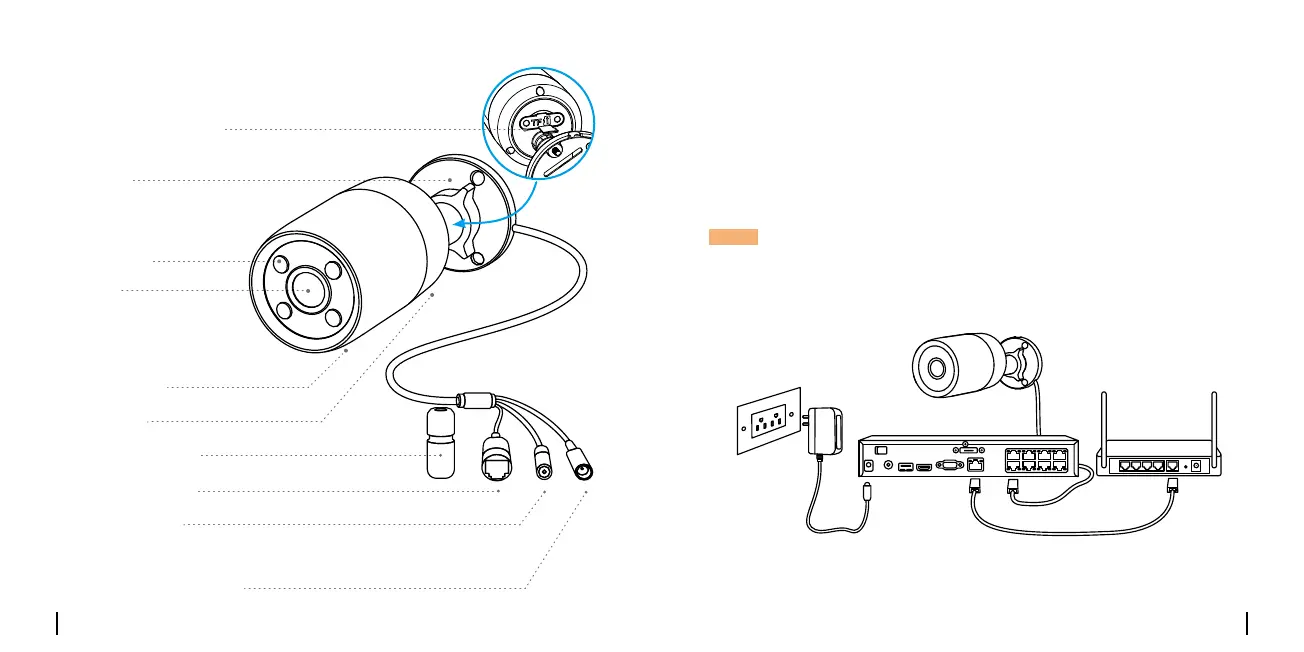
Connection DiagramCamera Introduction
Before using the camera, please connect your camera as instructed
below to finish initial setup.
1. Connect the camera to a Reolink NVR (not included) with an Ethernet
cable.
2. Connect the NVR to your router, and then power on the NVR.
* You may also connect the camera to a PoE switch or PoE injector.
NOTE: The camera should be powered with a 12V DC adapter or a PoE
powering device such as PoE injector, PoE switch or Reolink NVR
(not included in the package).
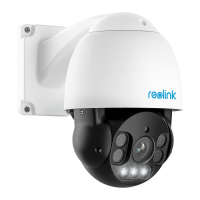
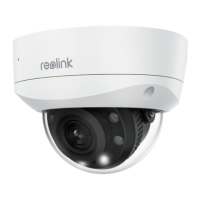
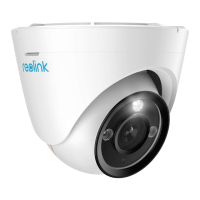
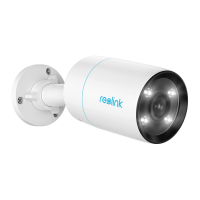
PoE IP Camera
Ethernet Cable
Reolink NVR* Router
Ethernet Cable
Power Adapter
Mount
Micro SD Card Slot
Spotlight
Lens
Built-in Mic
Speaker
Waterproof Lid
Network Cable
Reset Button
Power Port(Optional)
* Press for about 10 seconds to restore the
device to factory settings.


 To Next Page
 Loading...