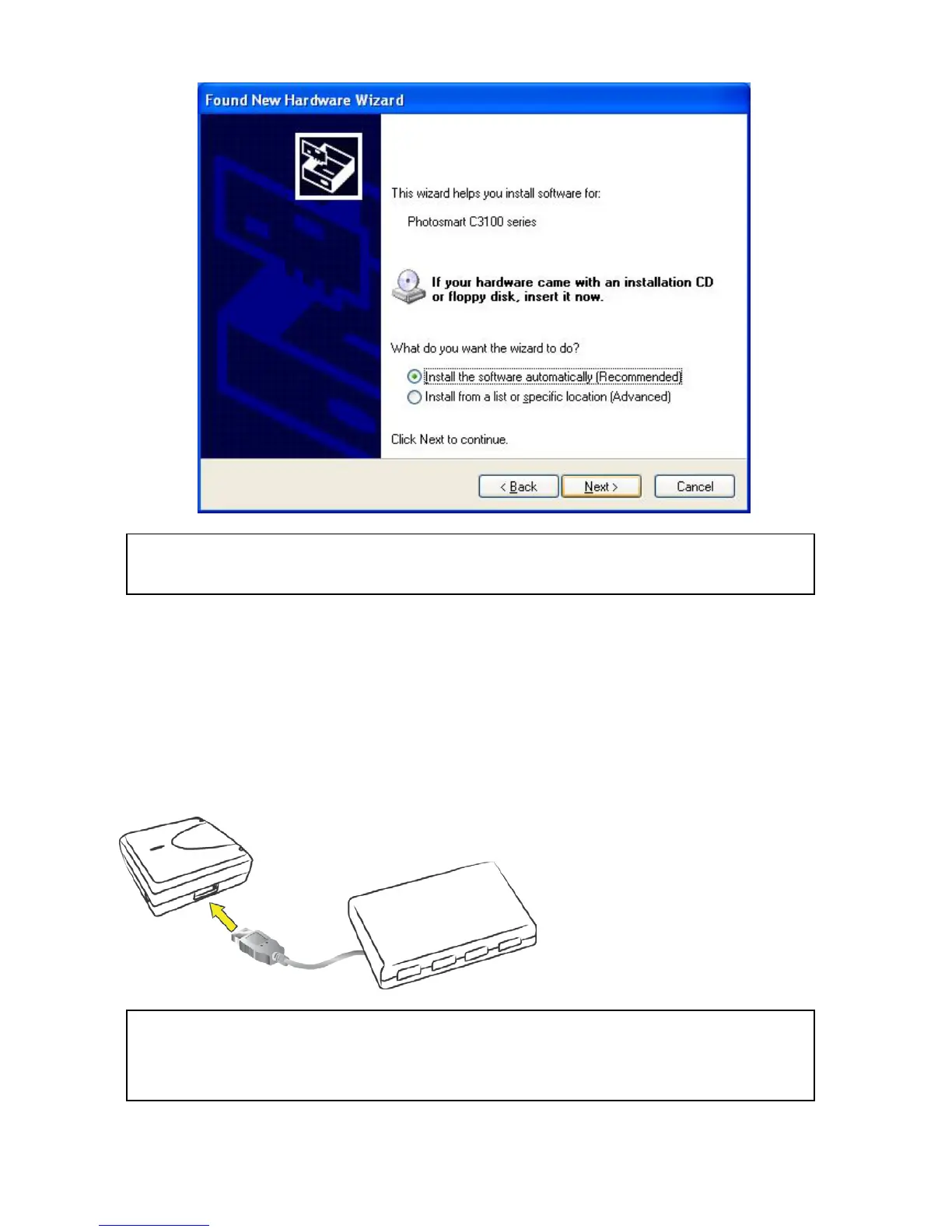
Connecting to an USB HUB
1. If you have more than one USB device that you would like to share over your network,
you may add an USB HUB(4-port maximum) to the Network USB over IP Server.
2. Connect the USB cable of the USB HUB to the USB port on the Network USB over IP
Server, and then connect the USB device(s) to the USB ports on the USB HUB. Make
sure the power adapter of the USB HUB is plugged in and powered on.
3. After the USB device(s) are connected to the USB HUB, the Network USB over IP Server
Network USB over IP server can only support up to 4 USB devices through an USB
HUB and certain USB devices require a direct connection to your computer in order to



 To Next Page