For Windows Vista Users
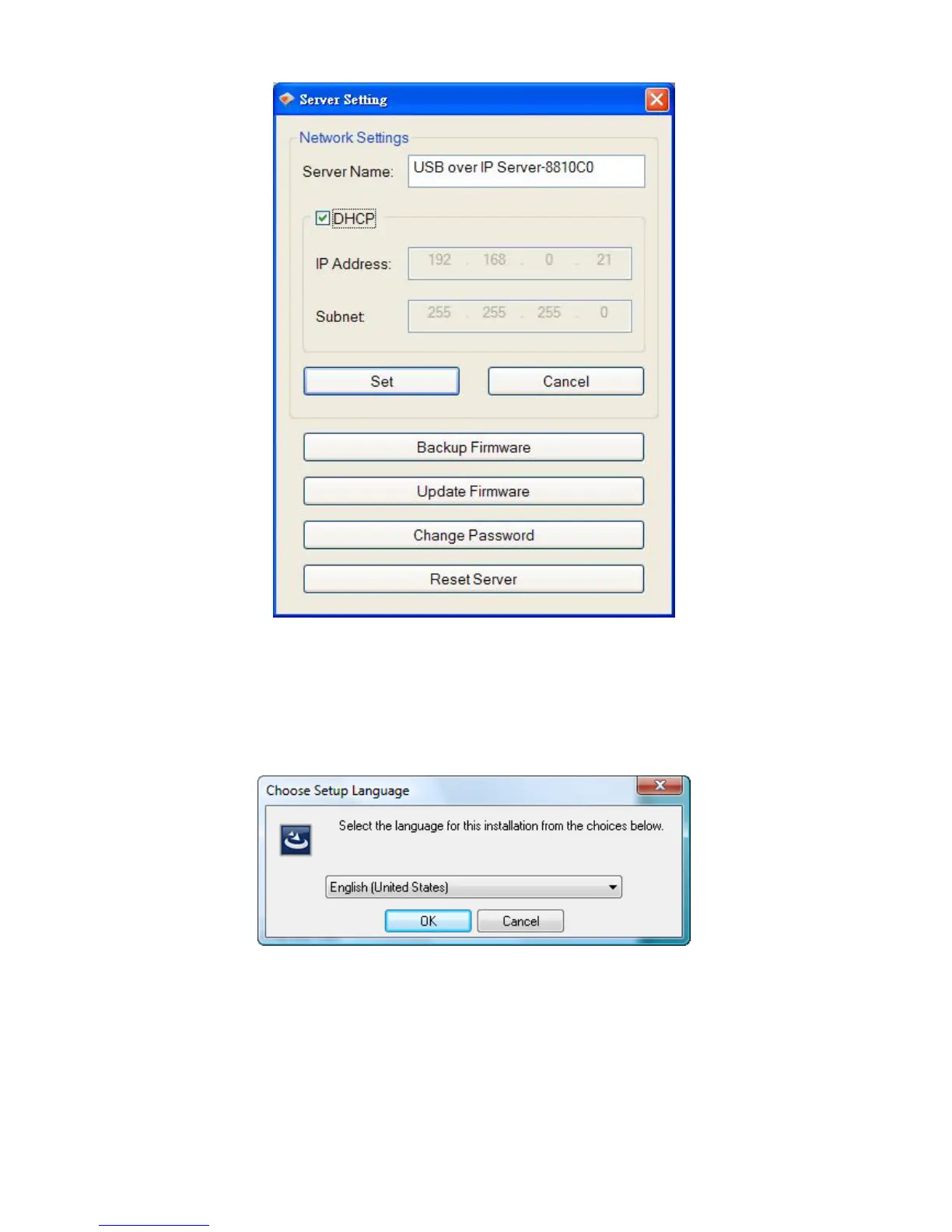
1. Insert the setup CD into your computer. A welcome screen should appear with a menu of
options, including the option to install the proper Network USB over IP Server software,
access the User Manual, or Exit out of the welcome menu.
2. Click “OK” to start the installation process
3. During the driver installation, a Windows Vista security message will appear. Select
“Install this driver software anyway” to continue.



 To Next Page