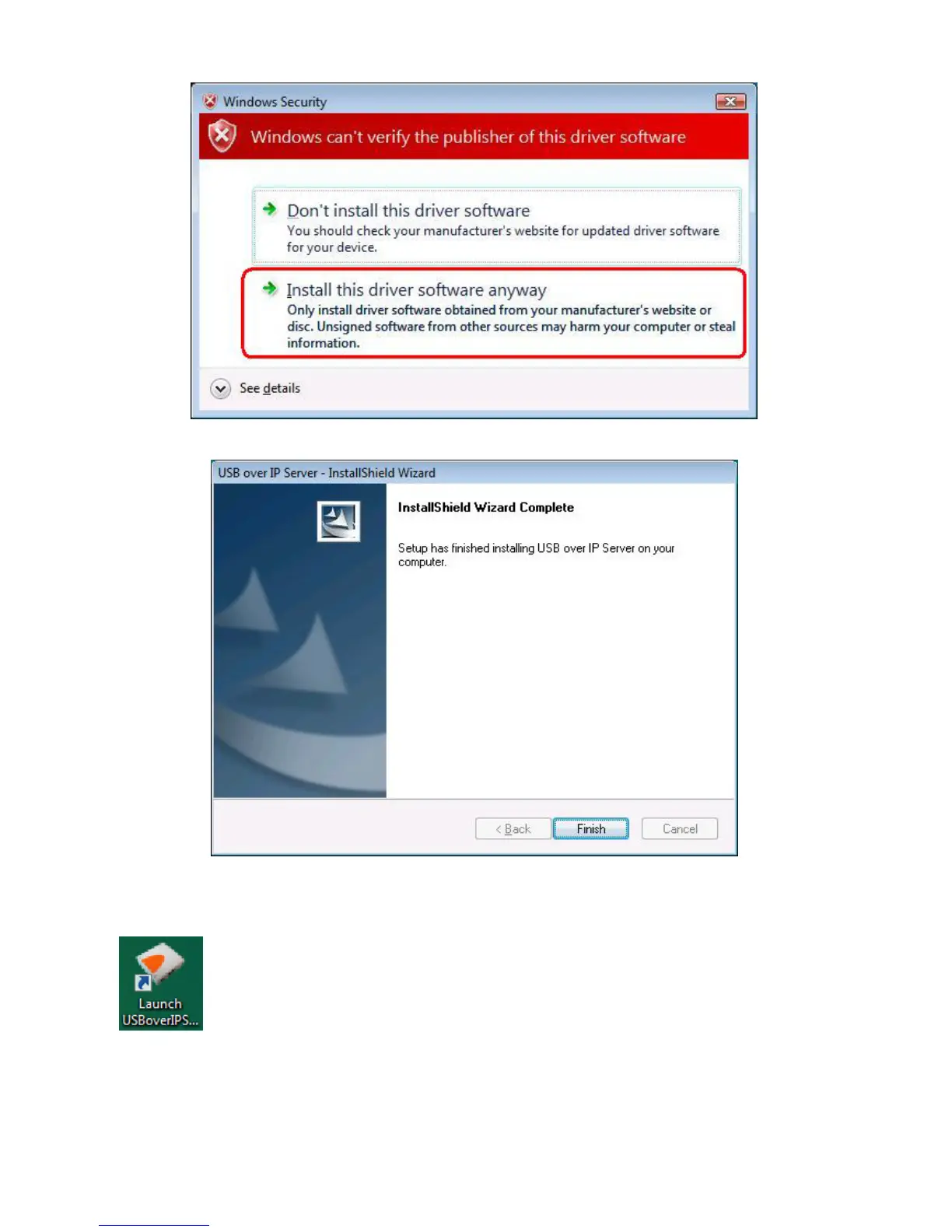
4. Click on “Finish” to complete the installation process.
5. Once the installation process has been completed, an “Launch USBoverIP Server” icon
will be shown on Desktop.
Double click on it for the first time execution. Windows Vista will pop up a firewall setup
window, please choice “Unblock”.



 To Next Page