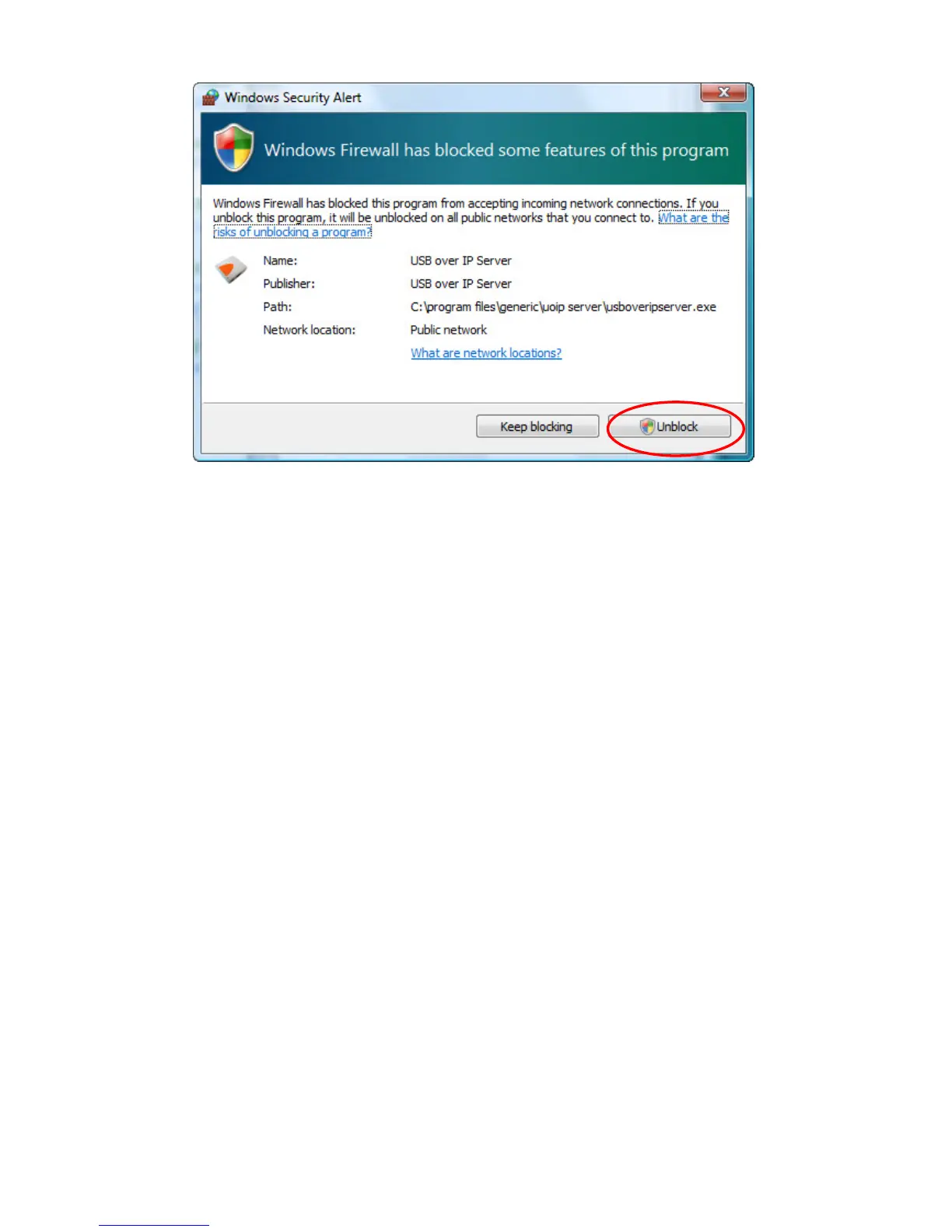
7. After finishing Firewall setup, USBoverIP utility will finish the setup procedure
automatically.
Connecting to an USB Device
1. After you have successfully installed the Network USB over IP Server driver, connect the
USB device to the USB port of Network USB over IP Server and make sure both the USB
device and the Network USB over IP Server are powered on.
2. When the USB device is connected, the Network USB over IP Server will detect the
connection of the USB device, and an icon of the USB device will show up in the Network
window. In this example, we have connected a USB flash disk.



 To Next Page