Setup:
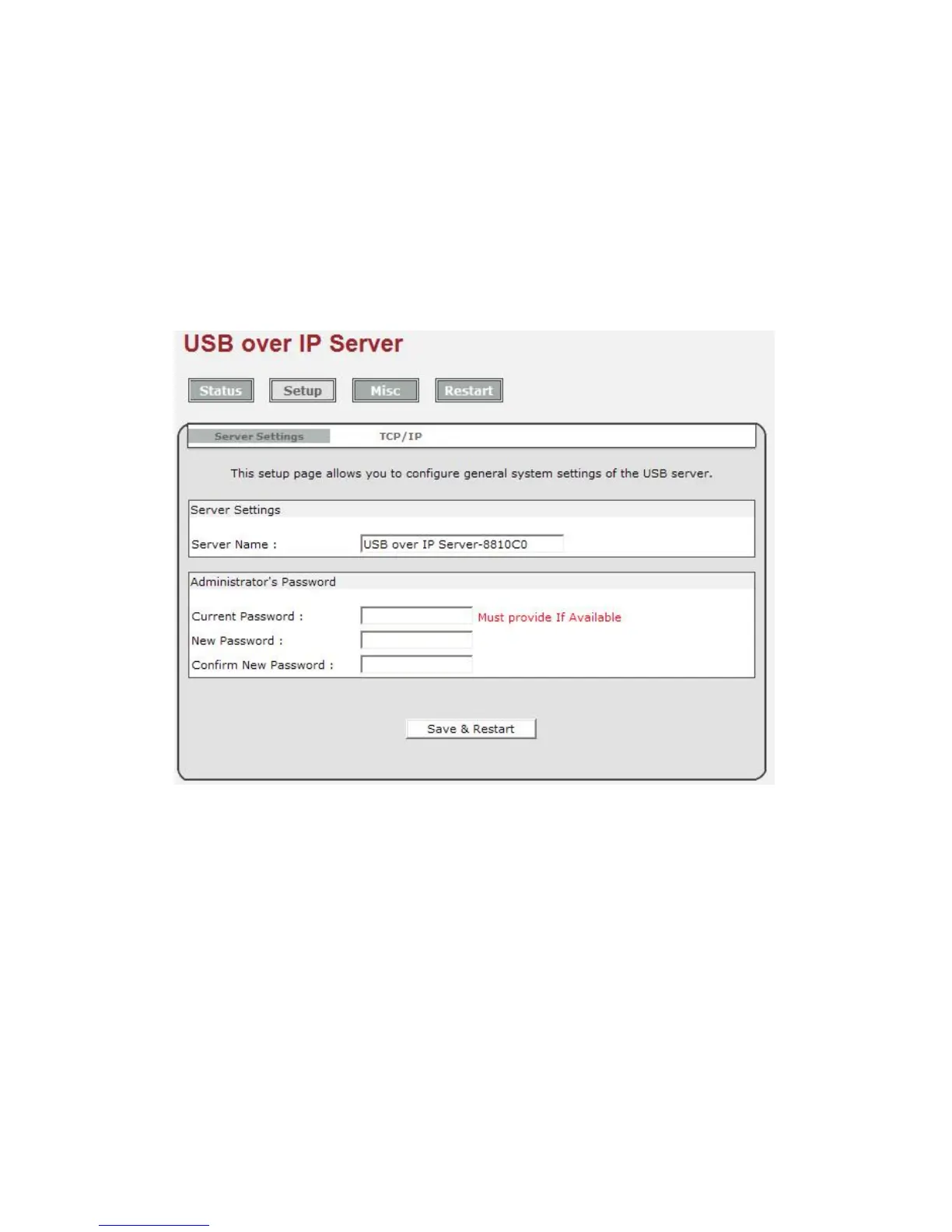
You can add or change any existing password on the Network USB over IP Server in this
window. By default, the Network USB over IP Server does not come with a default password.
You can change the network settings according to your network specification. If you would
like to give the Network USB over IP a static IP address, you will need to Disable DHCP in
the “DHCP Setting” menu”. Once DHCP is disabled, enter the desired IP address on the IP
address field along with the subnet mask and click “Save & Restart” button to reboot the
Network USB over IP Server.
Please note that if the Network USB over IP Server has a set password, you will need to
enter it into the password field box.
Misc:
Allow you to restore the Network USB over IP Server back to factory default.
And, the firmware link will allow you to upload the latest firmware on the Network USB over IP
Server. Click on “Browse” to specify the firmware location on your computer. Once the
location path of firmware has been set, click “Firmware Upgrade” to begin the update.
Please note that if the Network USB over IP Server has a set password, you will need to
enter it into the password field box.



 To Next Page