6. A full screen map appears with the selected point in
the middle. If necessary, tap the map somewhere else
to modify the destination. The cursor ( )appears
at the new location.
3.1.2.3 Selecting a town center
The town center is not the geometric center of the
town but an arbitrary point the map creators have
chosen. In towns and villages, it is usually the most
important intersection and in larger towns, it is one of
the important intersections.
1. Go to , , and modify the country
and state as described earlier, if necessary.
c. Otherwise, start entering the first few letters of the
town. The names that match the string appear in a
list.
3. Tap . This way the center of the
displayed town becomes the destination of the route.
3.1.2.4 Selecting the midpoint of a street
To navigate to the midpoint of a street without
entering the house number, perform the following
steps:
d. To open the list, tap and select the town.
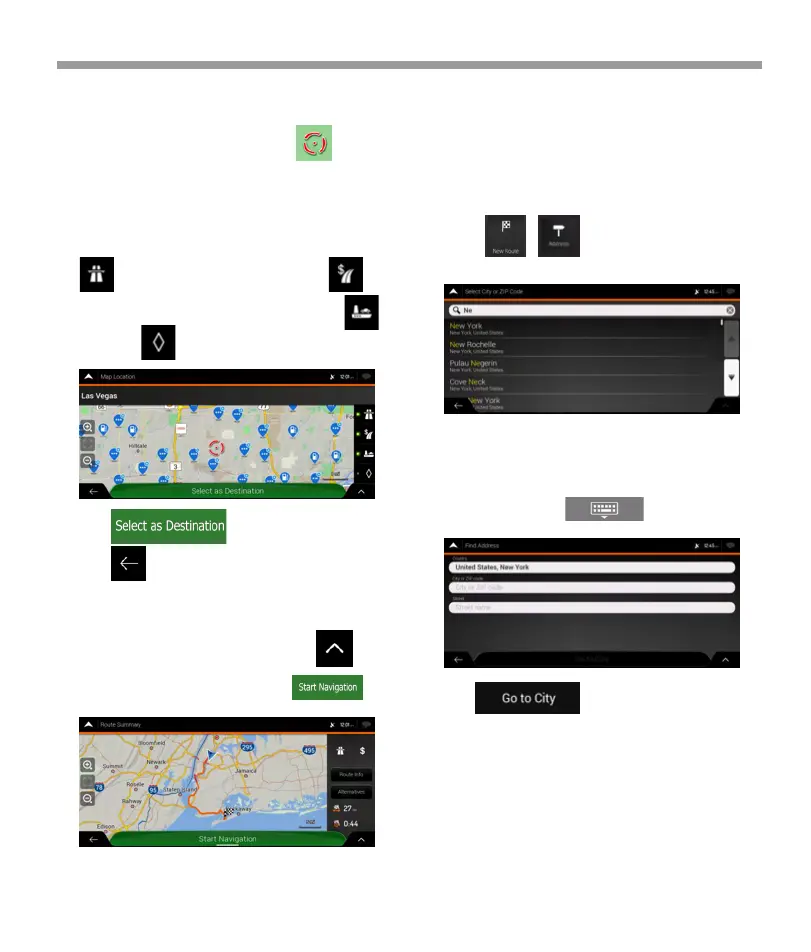
7. Check the settings for road types and change them
if necessary.
Tap to enable or avoid freeways, tap for
roads with Period Charge or Per-use Toll, tap for
ferries, or tap for carpool lanes.
8. Tap to confirm the destination,
or tap to select a different destination.
9. The route is calculated and the map appears
showing the entire route, where you can check route
information and route alternatives. Tap to
modify the route parameters, or tap to
start your journey.
iGo map Operation
43


 To Next Page
 Loading...