EasyManua.ls Logo

RESERVE V2 - User Manual

Default Icon
80 pages
Print Icon
To Next Page IconTo Next Page
Loading...
Owner’s Manual
V2
EN
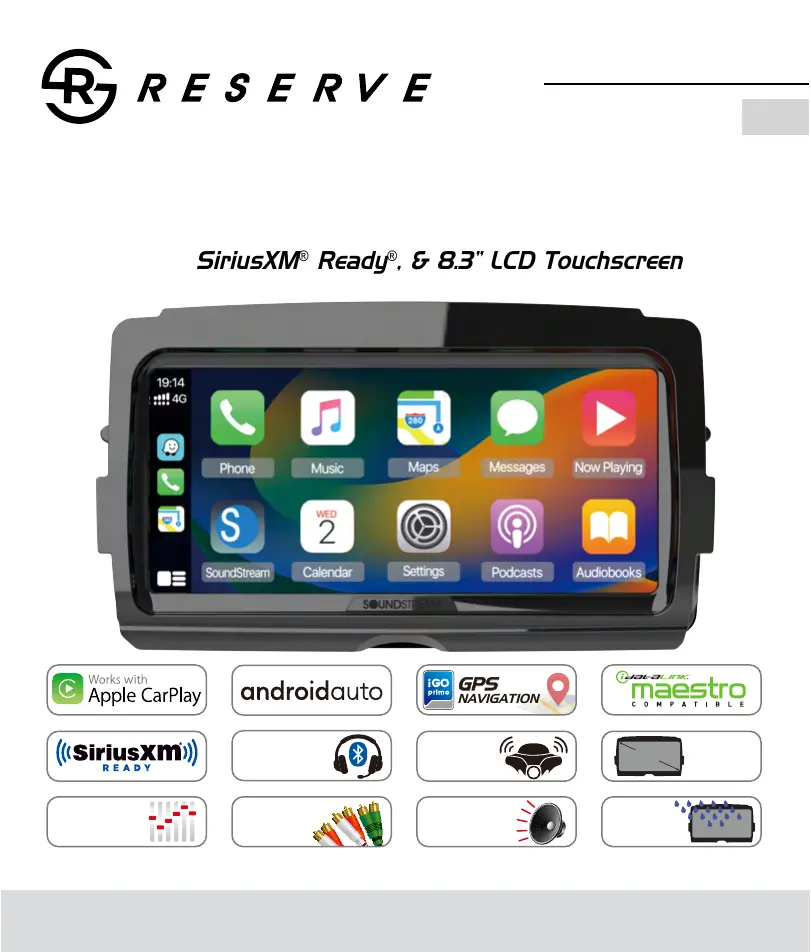
Head Unit for 2014+ Harley-Davidson
®
Touring Motorcycles
w/ iGo
®
GPS Navigation, Wireless Apple
®
CarPlay
®
, Wireless
Android Auto
®
, iDataLink
®
Maestro
®
Compatible,
SiriusXM
®
Ready
®
, & 8.3” LCD Touchscreen
GPS
NAVIGATION
Wireless
Headset
Integration
Rally
Mode
TM
Music Sharing
8”
Wide
screen
LCD
2-
OHM
4ch. SPEAKER
AMPLIFIER
5-VOLT
RCA AUDIO
OUTPUT
15-BAND
EQUALIZER
& CROSSOVERS
IPx5
WATERPROOF
FACEPLATE

Questions and Answers

Summary

Safety First

Safety Definitions

Explains the significance of warning and note statements in the manual.

Pre-RIDING

Check list

Steps to configure the system before riding for optimal use and minimal distraction.

Accessories and Installation

Installation

Detailed instructions for connecting various components like USB, GPS, camera, and antennas.

Main Menu

Settings

System Settings

Configuration options for language, date/time, touch feedback, reset, camera, GPS, and about information.

Audio Settings

Adjustments for fade, balance, equalizer bands, and crossover settings for optimal sound.

Bluetooth Settings

Configuration for Bluetooth connection, device name, search, and microphone gain.

Apple CarPlay & Android Auto

Apple CarPlay

How to operate iPhone applications using gestures and connect to the unit.

Android Auto

How to operate Android applications using gestures and connect to the unit.

Radio

Radio Operation

Interface overview, seeking stations, favorite lists, and radio settings.

Sirius XM

SXM Settings

Management options for passcode, parental lock, and version information.

USB

USB Playback

Operating the unit for music and picture playback from a USB device.

Bluetooth Audio

Bluetooth Music Playback

How to play music from a connected Bluetooth device.

Bluetooth Phone

Making and receiving phone calls using the Bluetooth connection.

Headsets

Wireless Headset Integration

Pairing and managing up to two wireless headsets for rider and passenger communication.

iGo Map Operation

Navigation Basics

Overview of warnings, initial setup, screen controls, and basic map interaction.

Route Planning

Methods for selecting destinations, including addresses, places, and combined searches.

Route Management

Procedures for checking route details, editing, saving, deleting, and setting detours.

iDataLink Maestro

Using iDatalink Maestro

Connecting and using the Maestro RR interface for expanded motorcycle features.

Displaying Motorcycle Information

Accessing and viewing real-time motorcycle data like fuel, oil, and engine status.

Trouble Shooting

RESERVE V2 Specifications

General IconGeneral
BrandRESERVE
ModelV2
CategoryCar Navigation system
LanguageEnglish